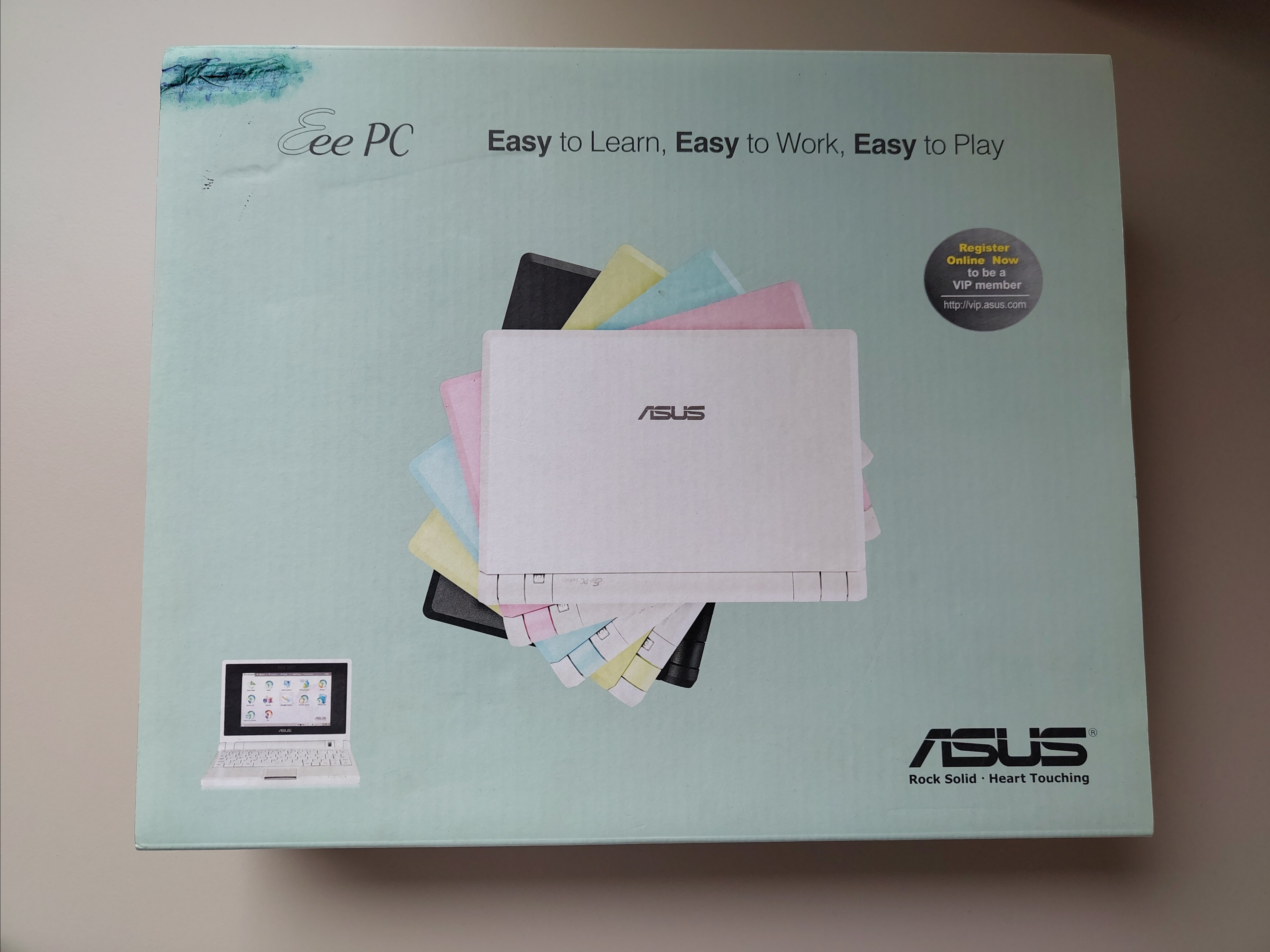
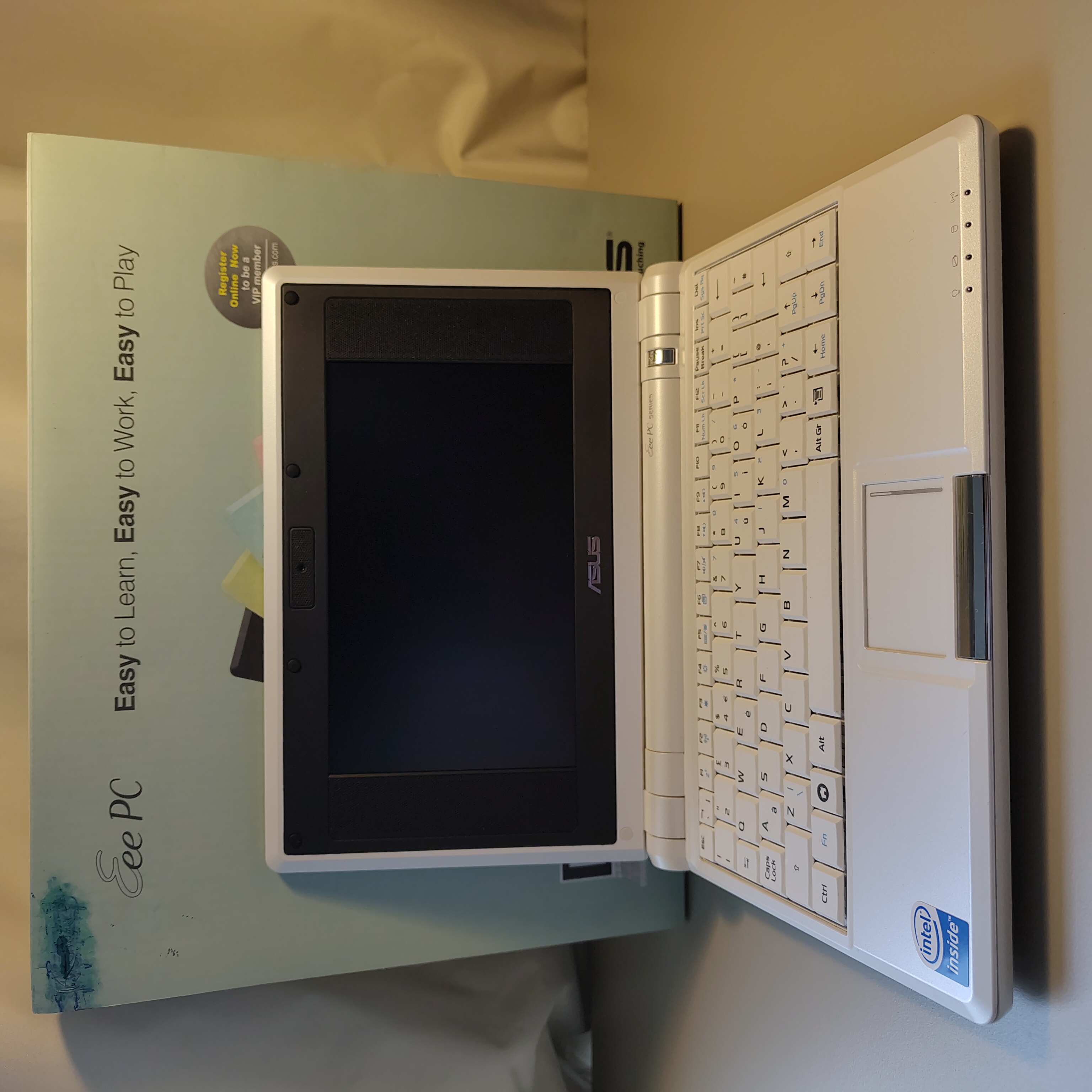
i was browsing the net for old tech, as one does, and struck jackpot: i found an Asus Eee PC... in its original packaging!
to my dismay, the "Eee" in "Eee PC" does NOT stand for "electrical and
electronics engineering". sad_trombone.mp3
it stands for "Easy to learn, Easy to work, Easy to play"... talk about
redundant, huh?
the Eee PC is actually a "netbook": a category of small, ultraportable
laptops that predated, and were quickly superseded by, tablets, existing
between 2007 and 2012. a very small lifetime, for a very small laptop. they
were pretty weak, even at their inception, used mainly for text processing
and web browsing.
the Eee PC was a pioneer, the first mass produced netbook. i find the
concept interesting, an alternate history for what low cost computing
could've been, rather than the quite limited, closed ecosystems of tablets,
with few years of software updates. this netbook even had versions with
linux pre installed!
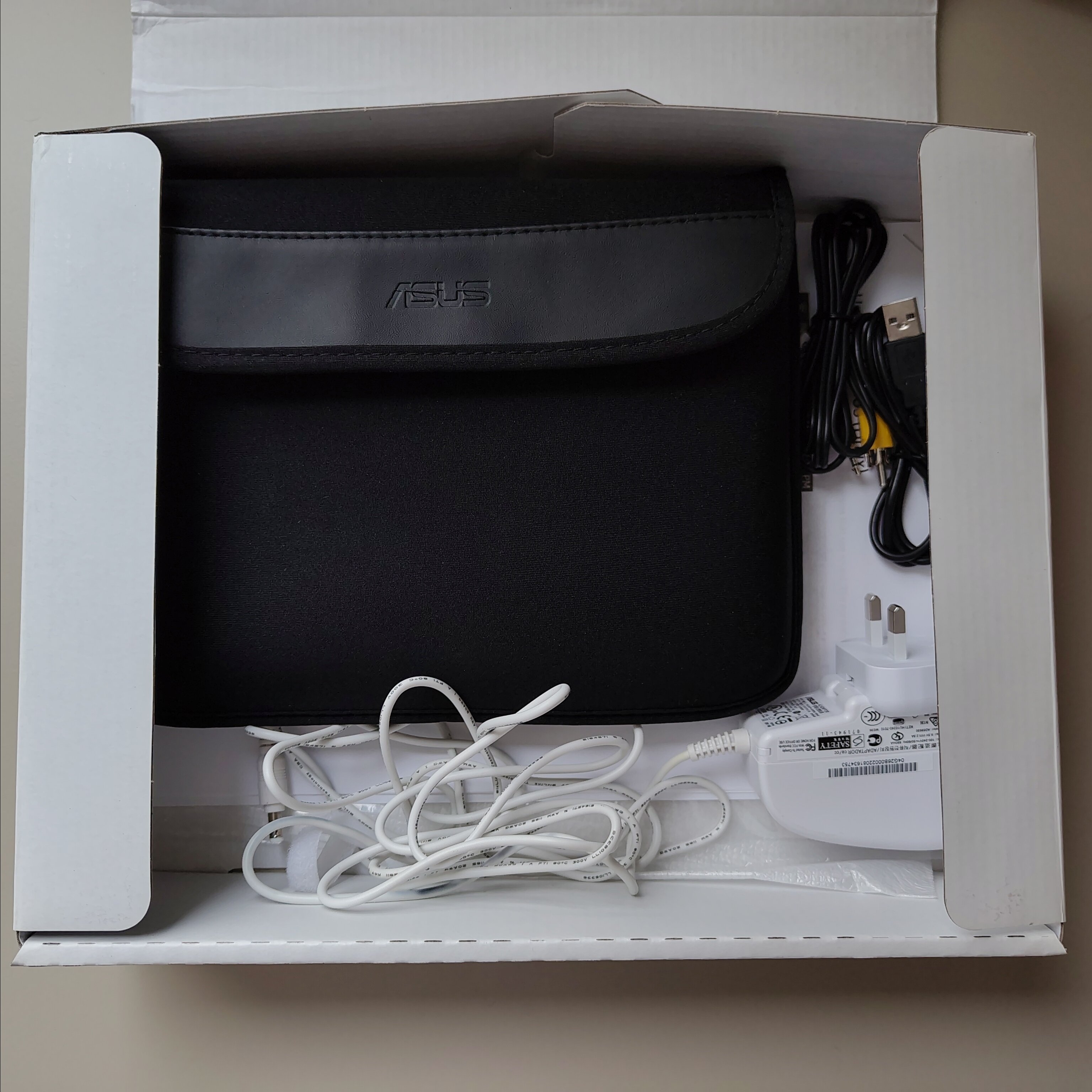
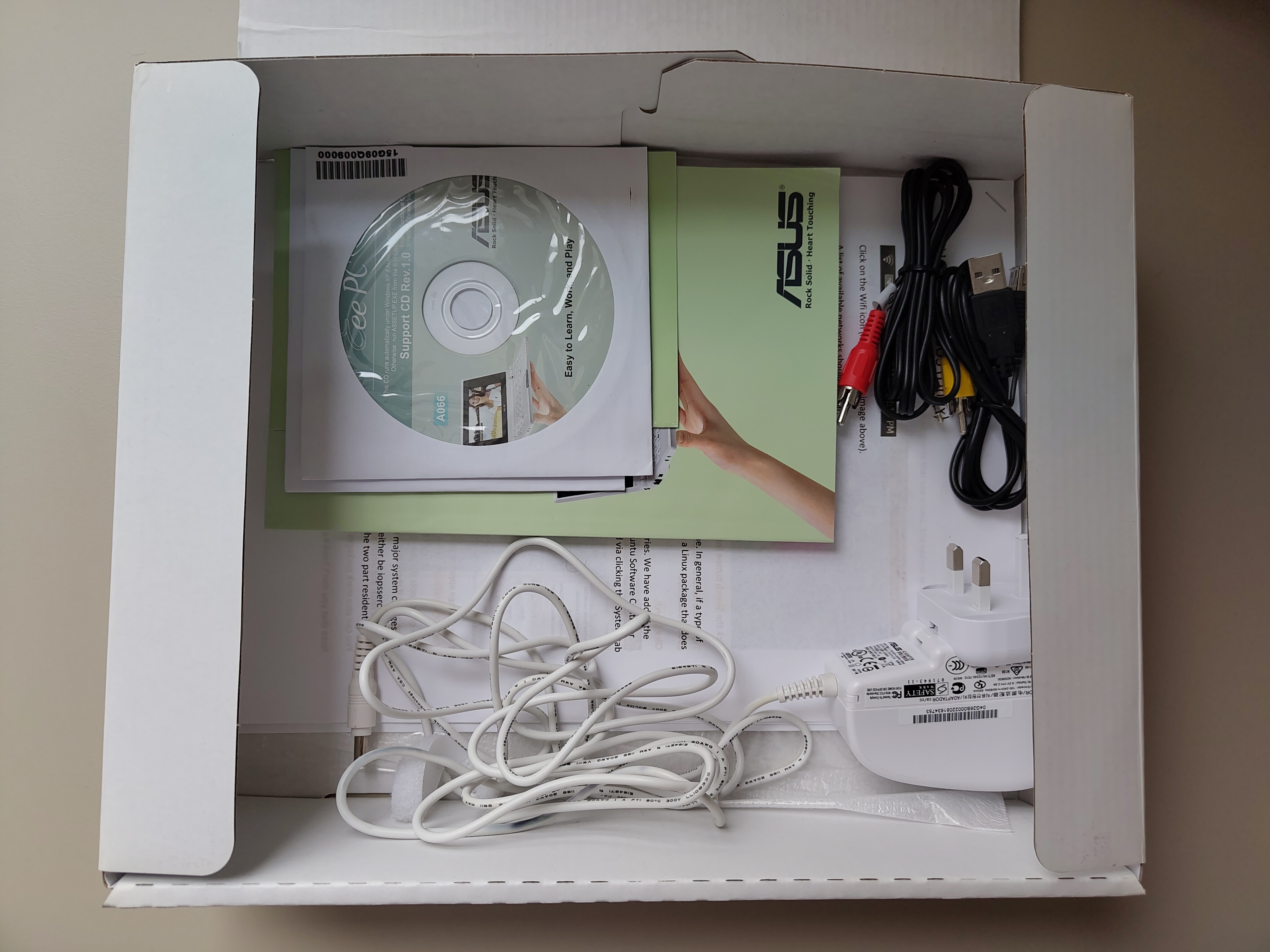
i'm really shocked at how well perserved the unit i got was, it's practically brand new. i'm used to messing with old tech for fun, but it always showed its age. it felt surreal to open something practically ancient in computer terms... but to have it so pristine and unbox it "as new". it even had the display's protective cover on @_@
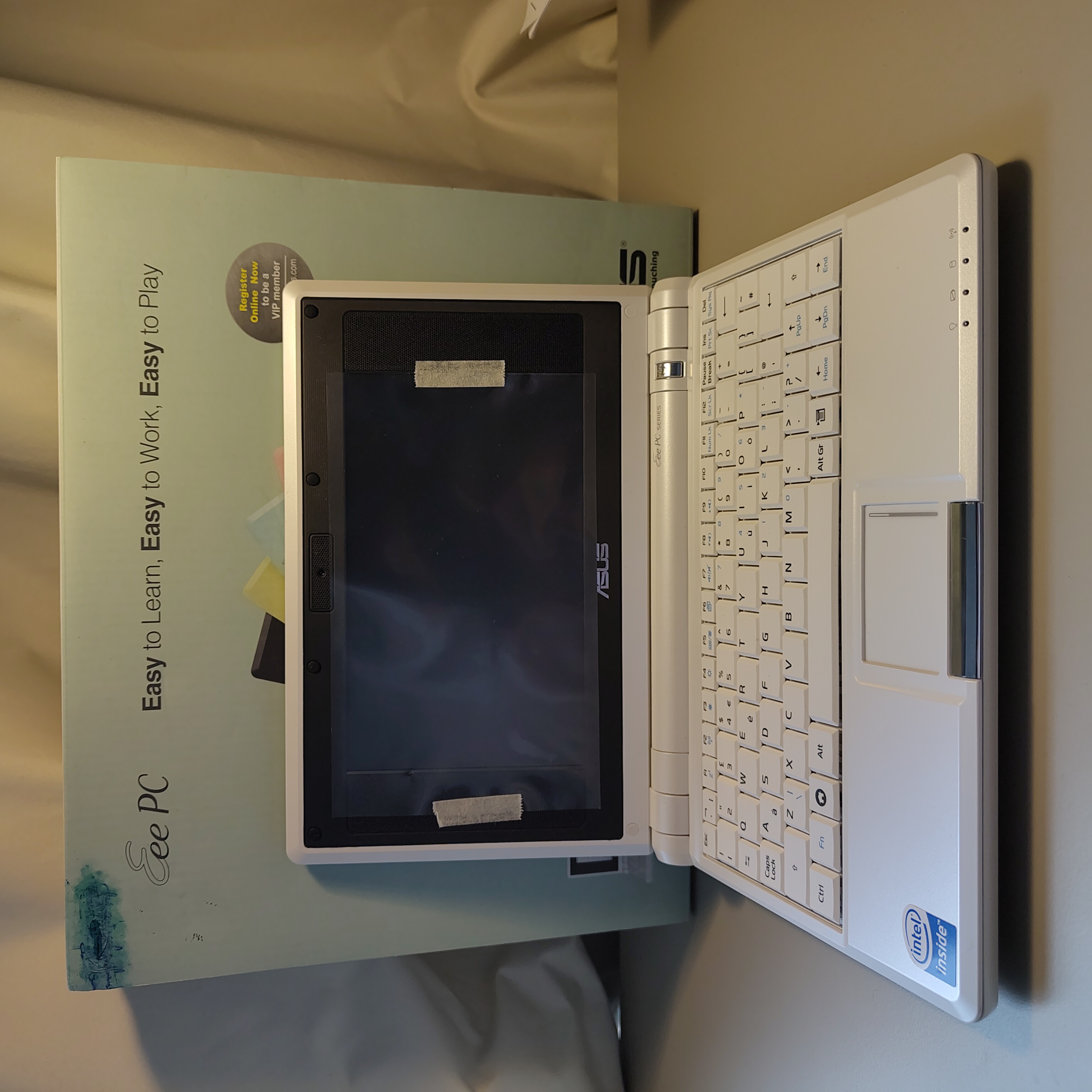
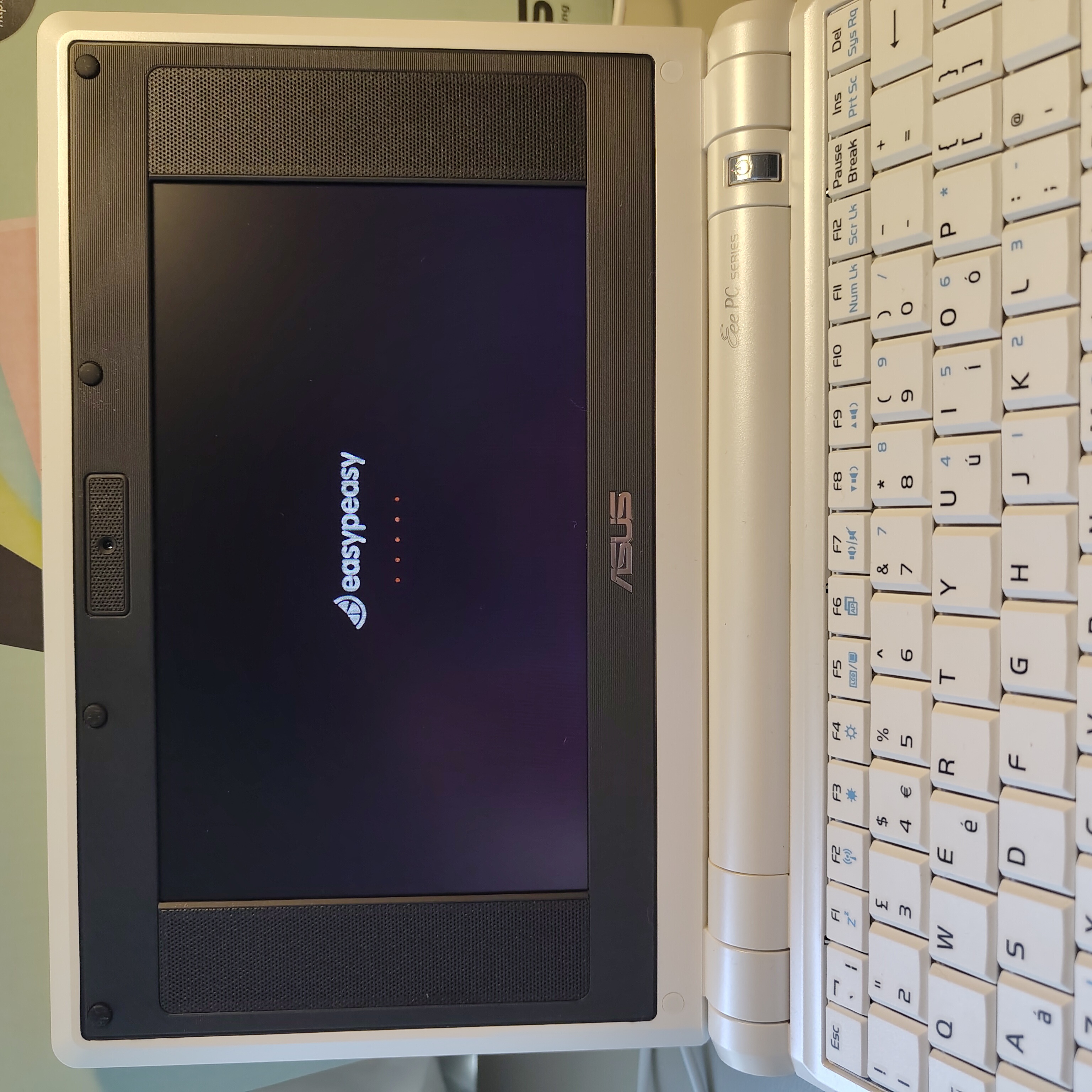
this Eee PC unit came preinstalled with its own ubuntu like distro, which
makes for being a lot more interesting than plain windows xp. despite what
the haters say, the year of the linux desktop was in fact 2007.
it took a long time for the very first boot, it was checking the integrity
of itself or something? after that, however, it only takes about 47 seconds
to go from power button to this home screen:
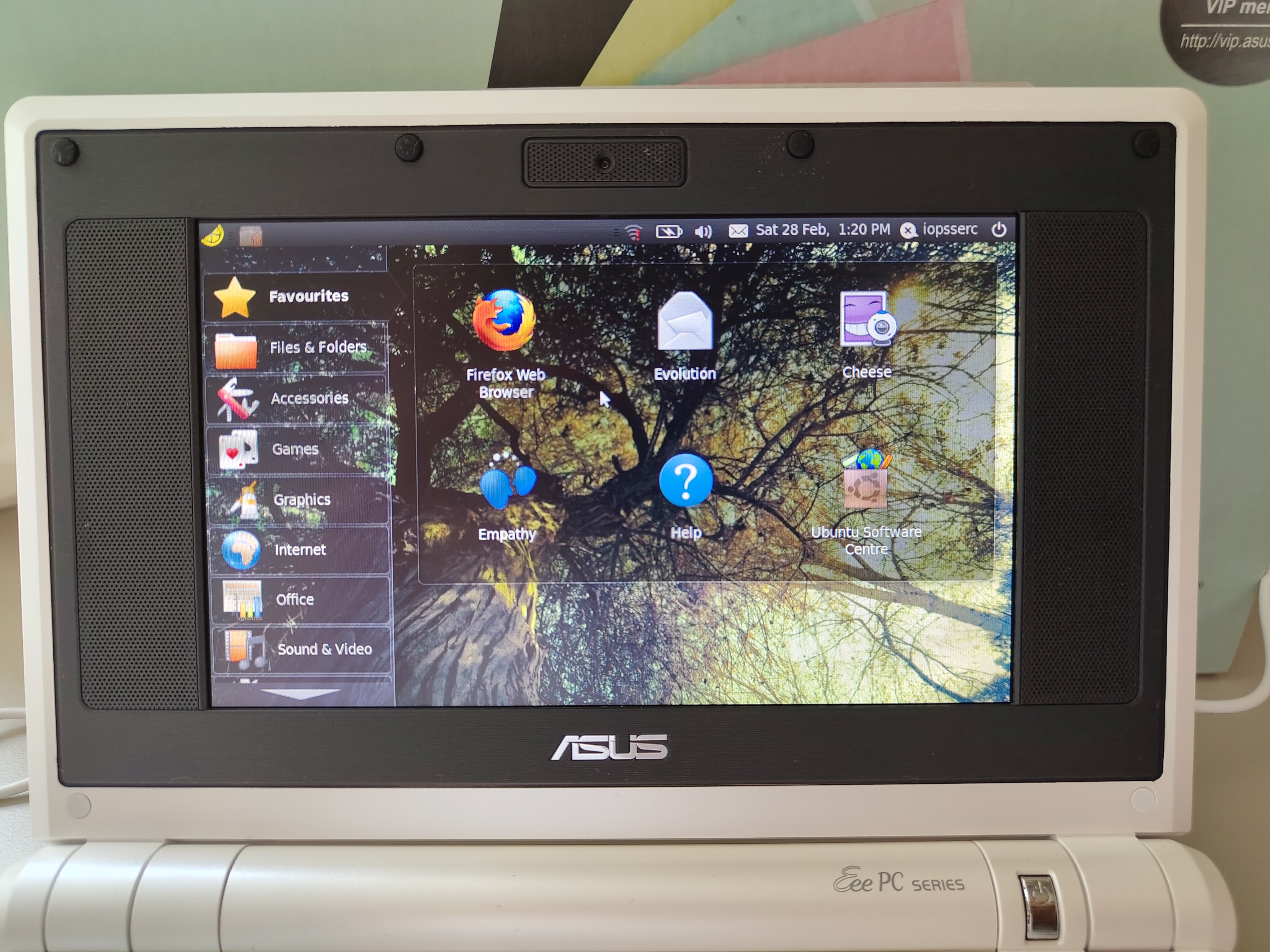
the more things change, the more they stay the same... everything is quite
familiar, although the layout is a little unorthodox. firefox is still
around, so is evolution and cheese also. never heard of empathy before...
the app, that is, not the emotion
it seems this laptop was last used 12 years ago, in 2014, as that is the
last time this machine was connected to any network, or so the network
settings say. looks like someone bought this, messed around with it, and
decided it wasn't worth their time xD.
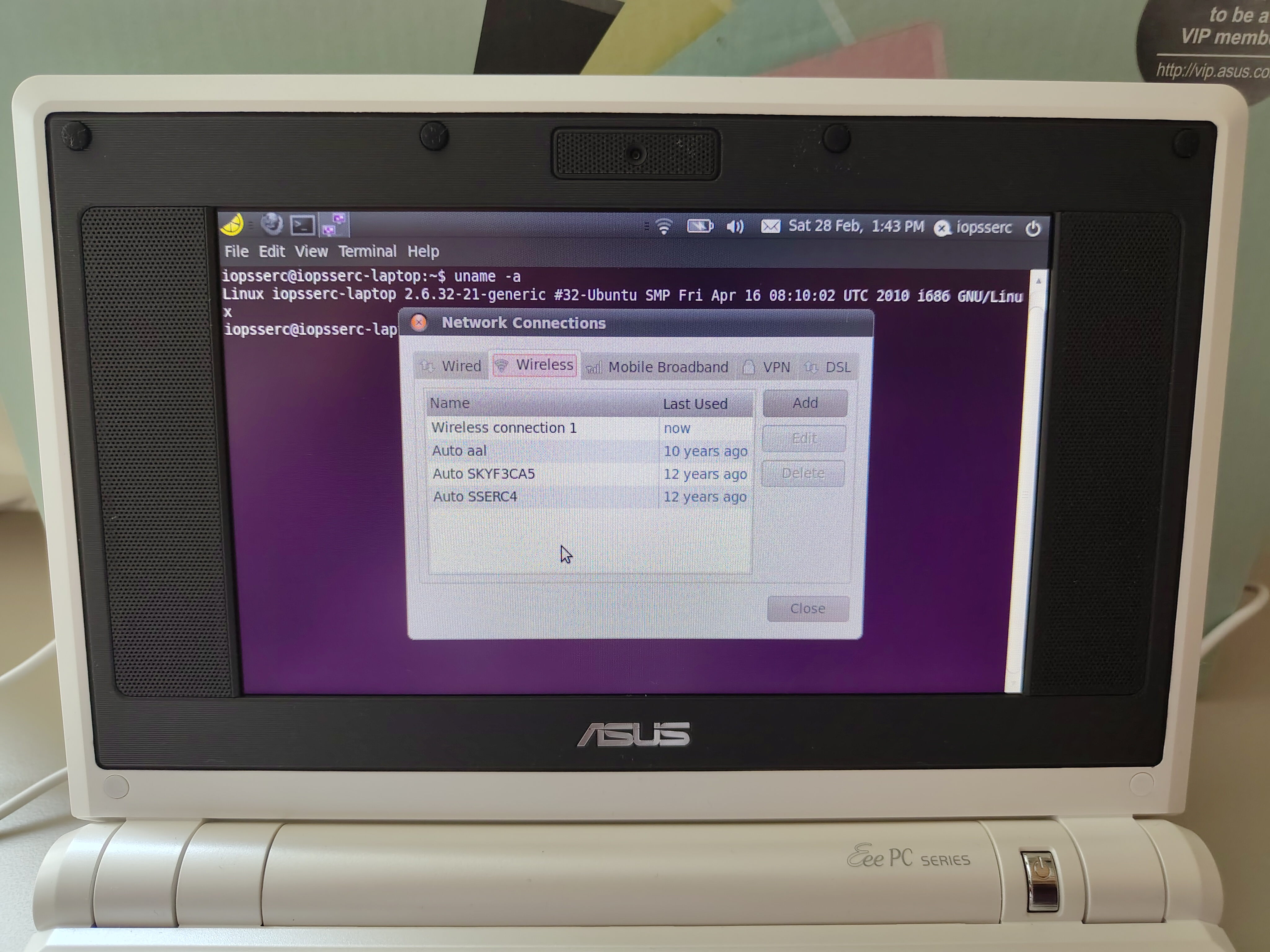
suprisingly enough, the netbook can actually connect to modern wifi with no software updates, but im not trusting it for long... let's try some websites
firefox's default page seems to have messed up certs, or so the browser thinks so:
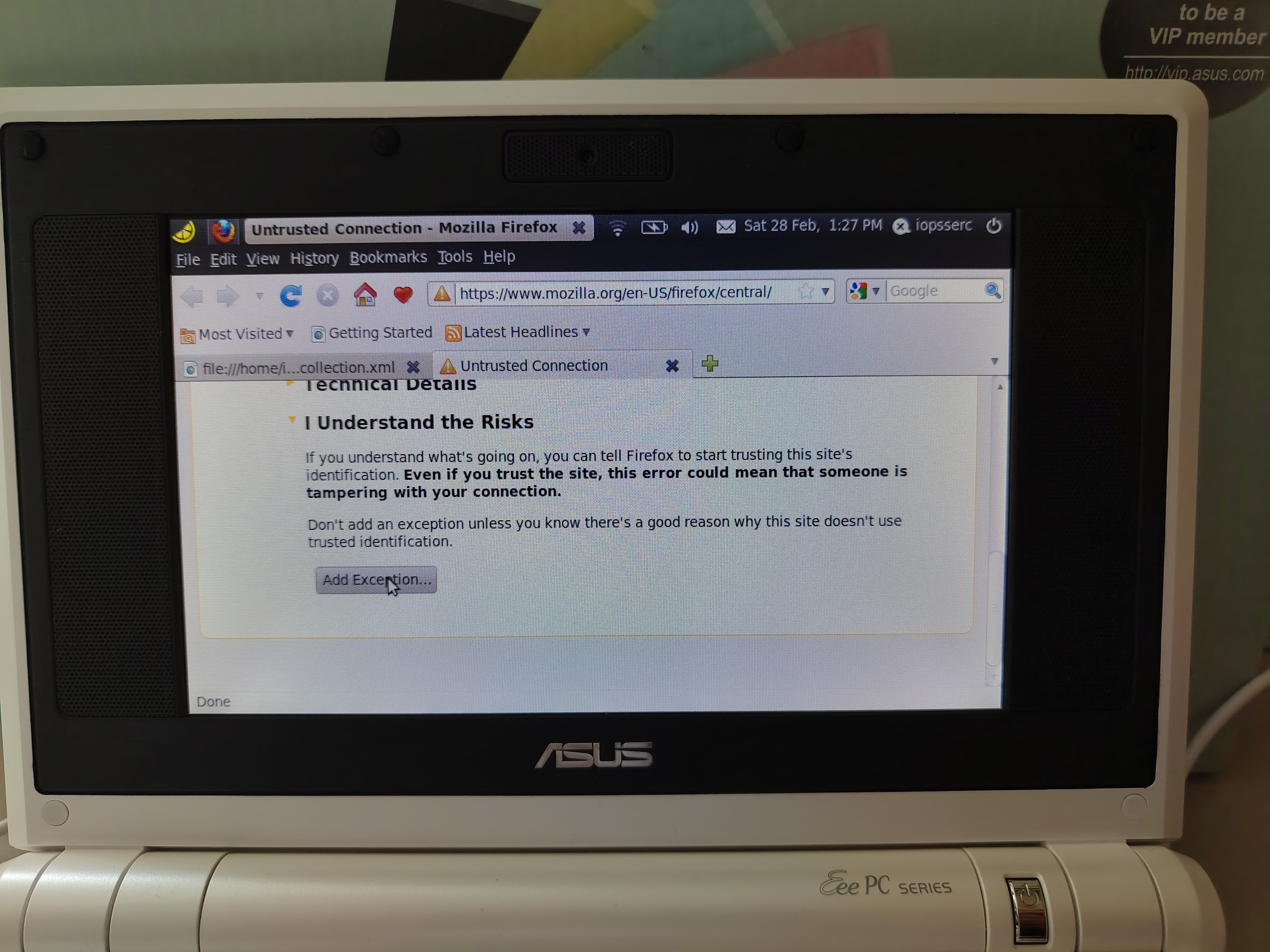
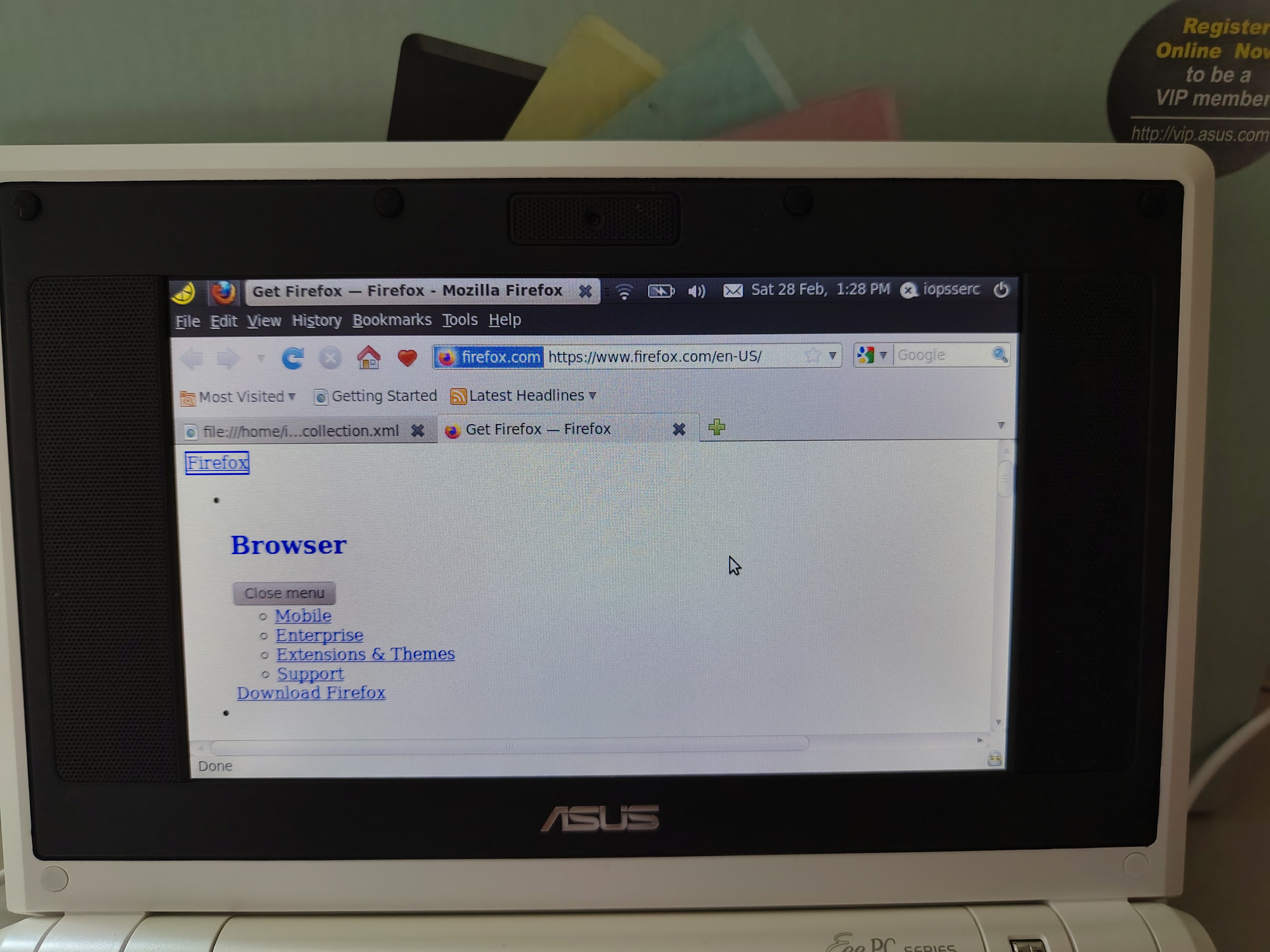
...and it works... somewhat... the web has certainly changed a lot between then and now
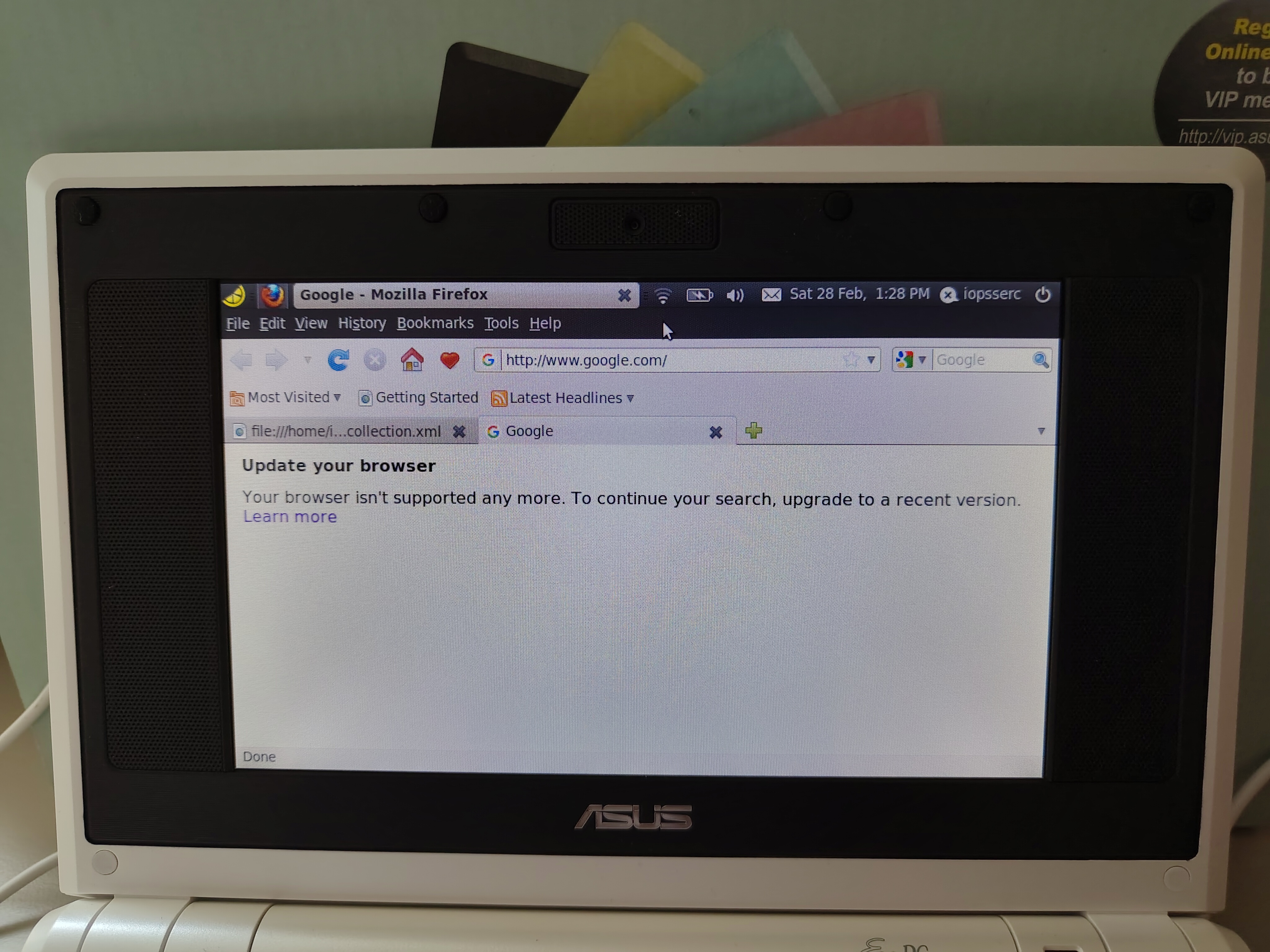
heck, even google doesn't work
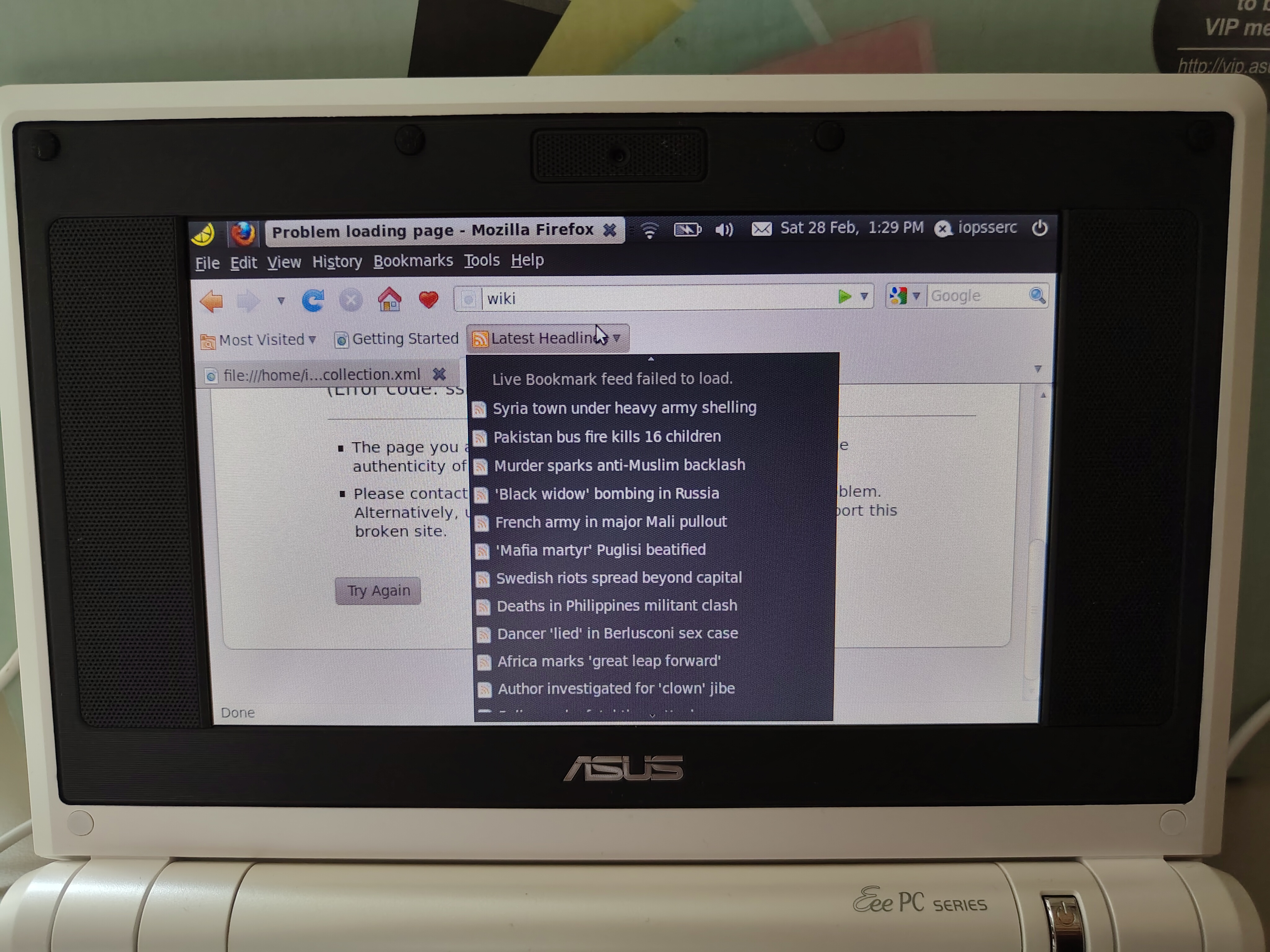
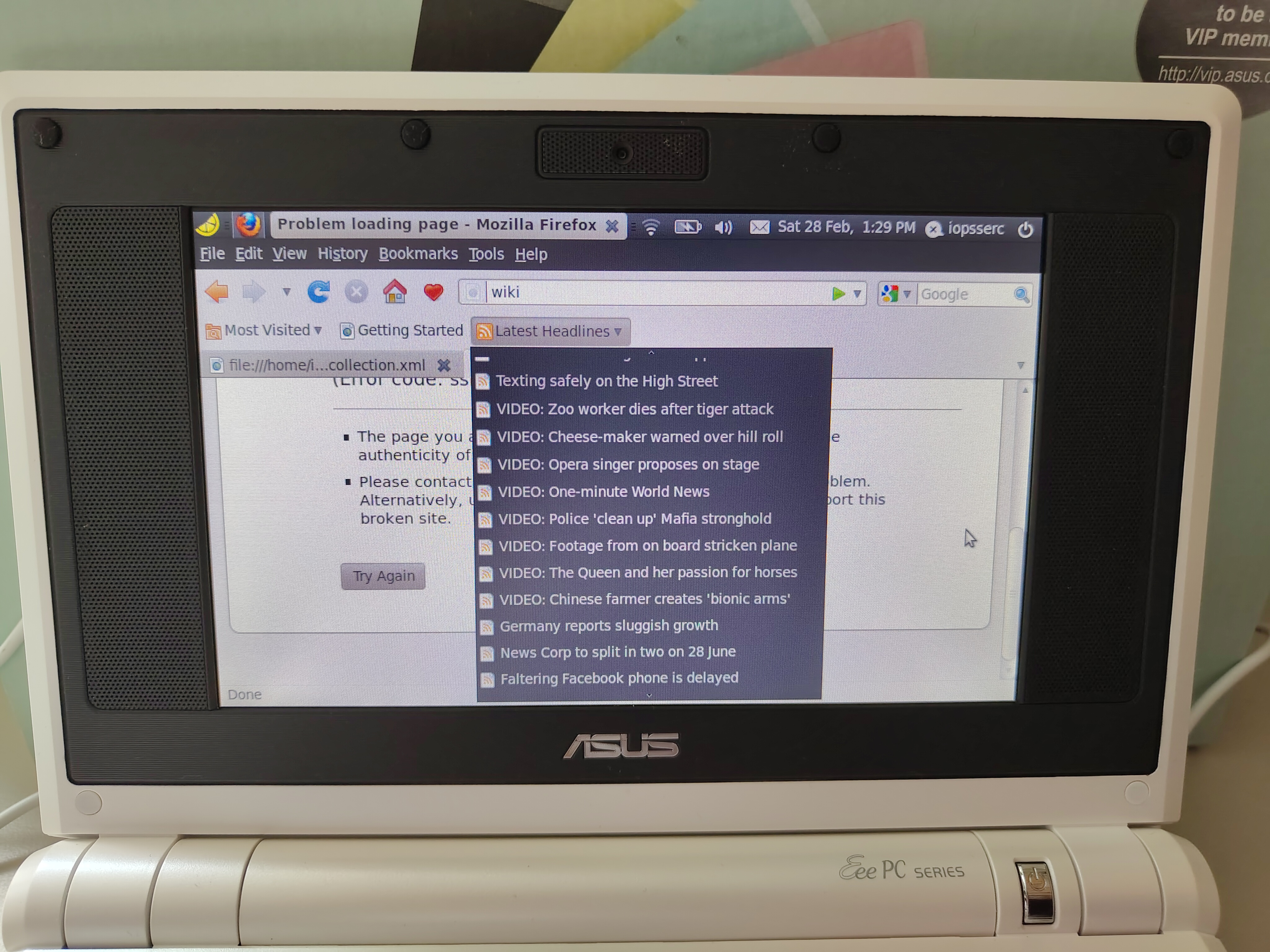
pretty much no sites work, but i did notice something interesting... there is a "latest headlines" button in the browser, and it allows us to glimpse into the relevant news whenever this was last usable. make of it what you will
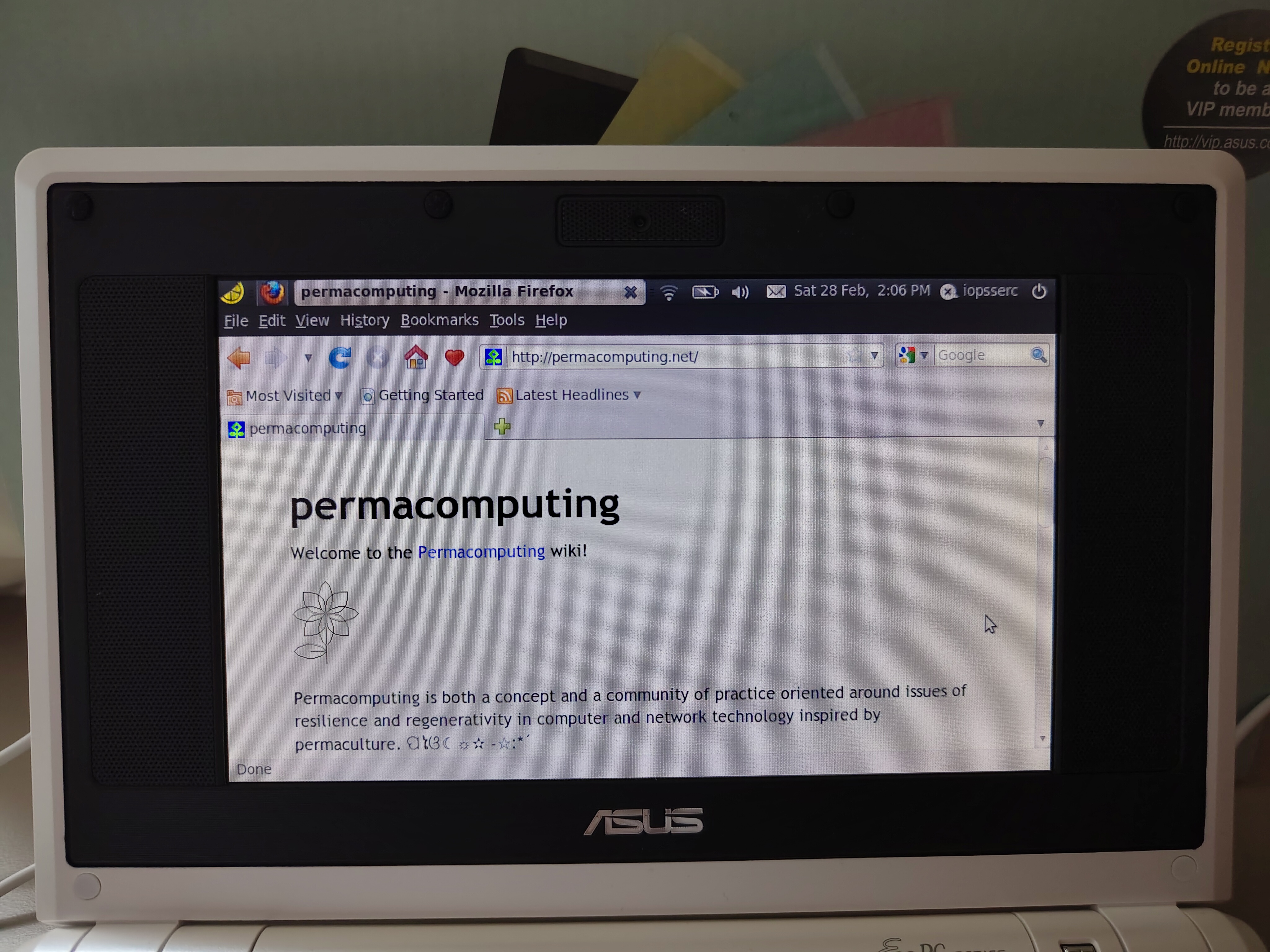
one site that DOES work is the permacomputing site <3
also, a bunch of alternative os sites
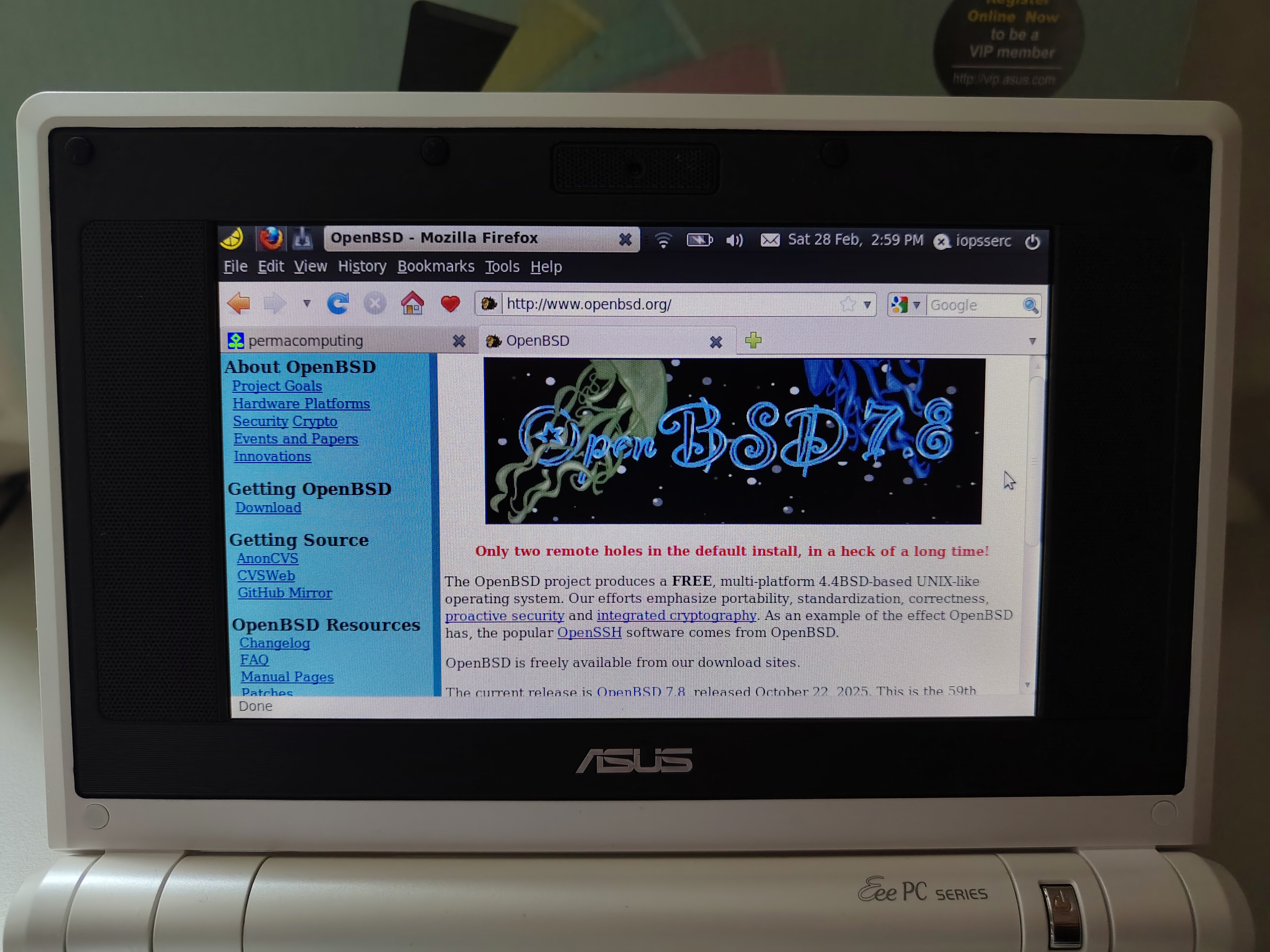
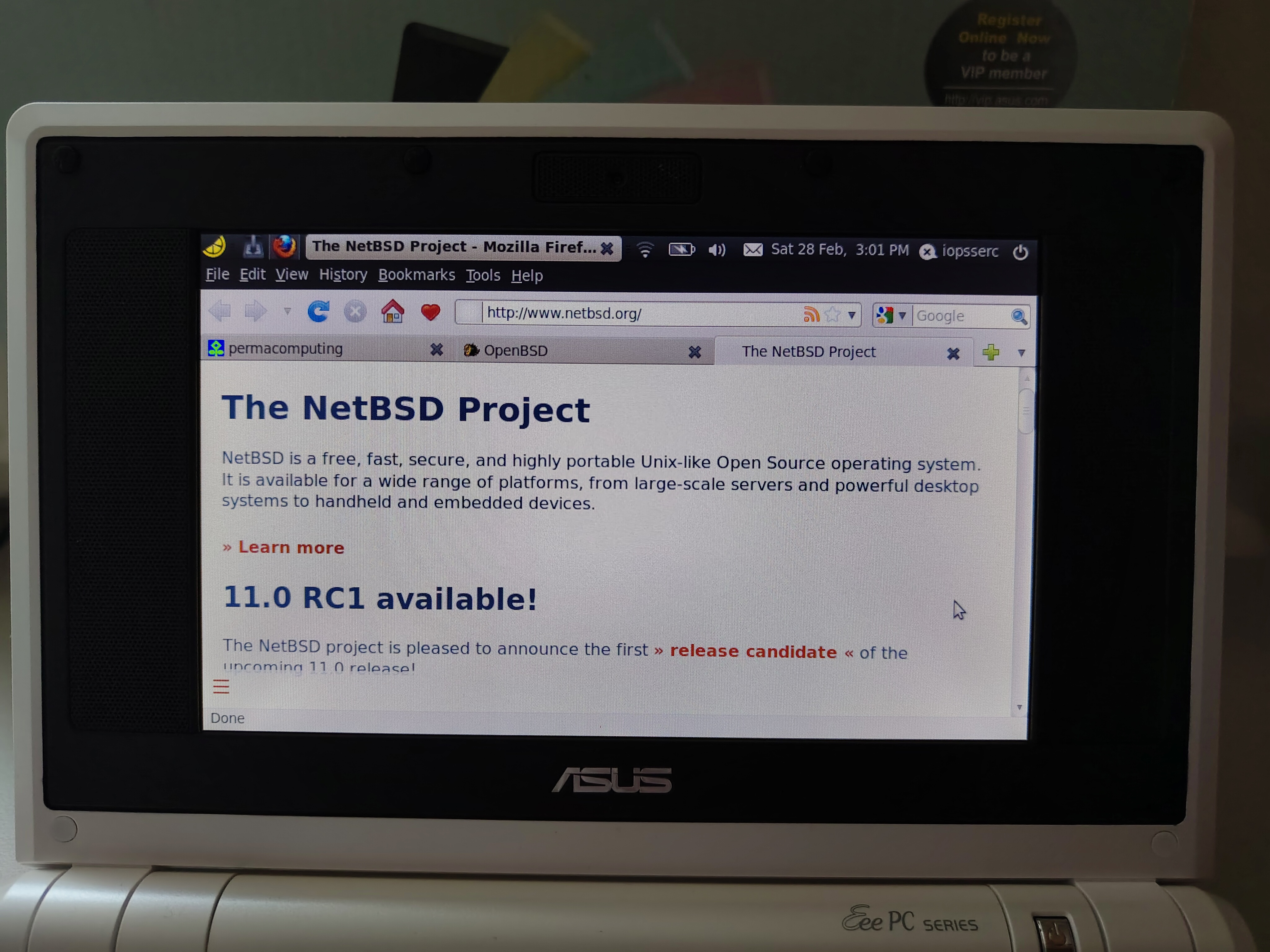
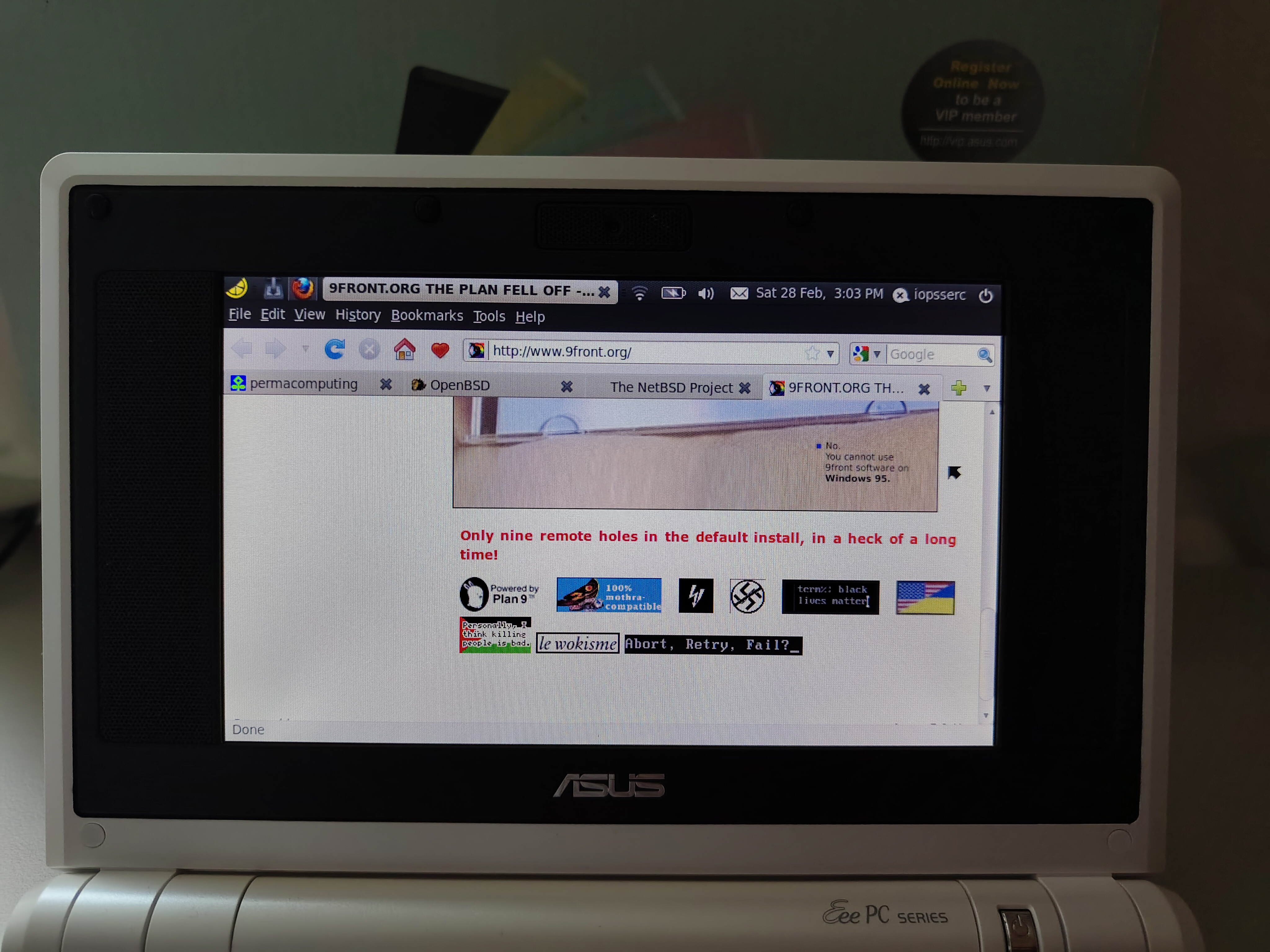
foreshadowing...? :O
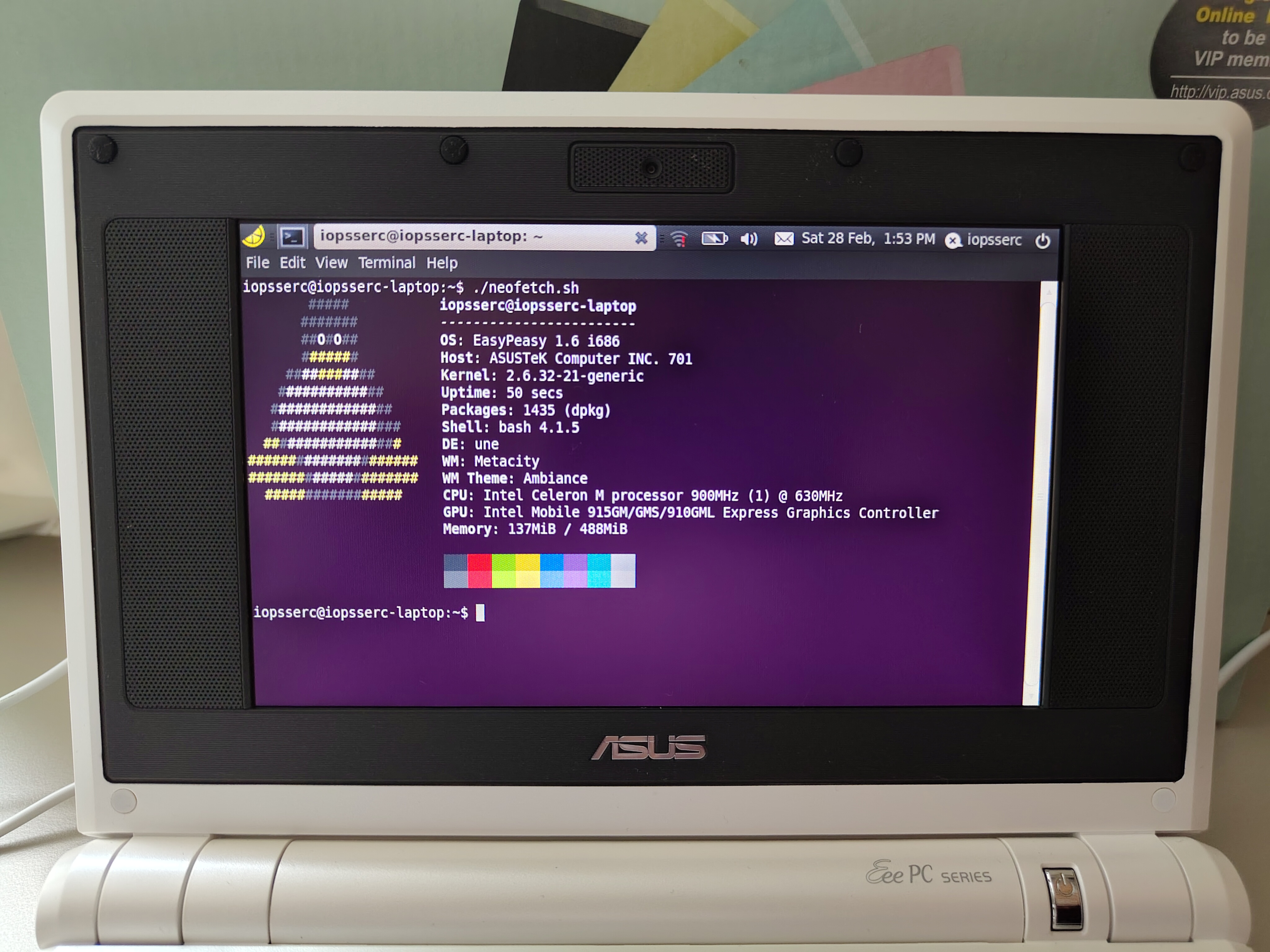
in classic performative linux user fashion, getting neofetch running here
is I M P E R A T I V E
of course, apt could not possibly work with repos this old, and i honestly
am not down to try to upgrade this incrementally until i reach a modern
version; mainly because ubuntu, frankly, sucks. it would be far more fun if
it was a decent distro... alas. so, i copied over the neofetch script onto
a usb, and transferred it from the usb to the netbook... and it worked,
surprisingly with no tweaks.
pfetch is even cuter, and more posix compliant too:
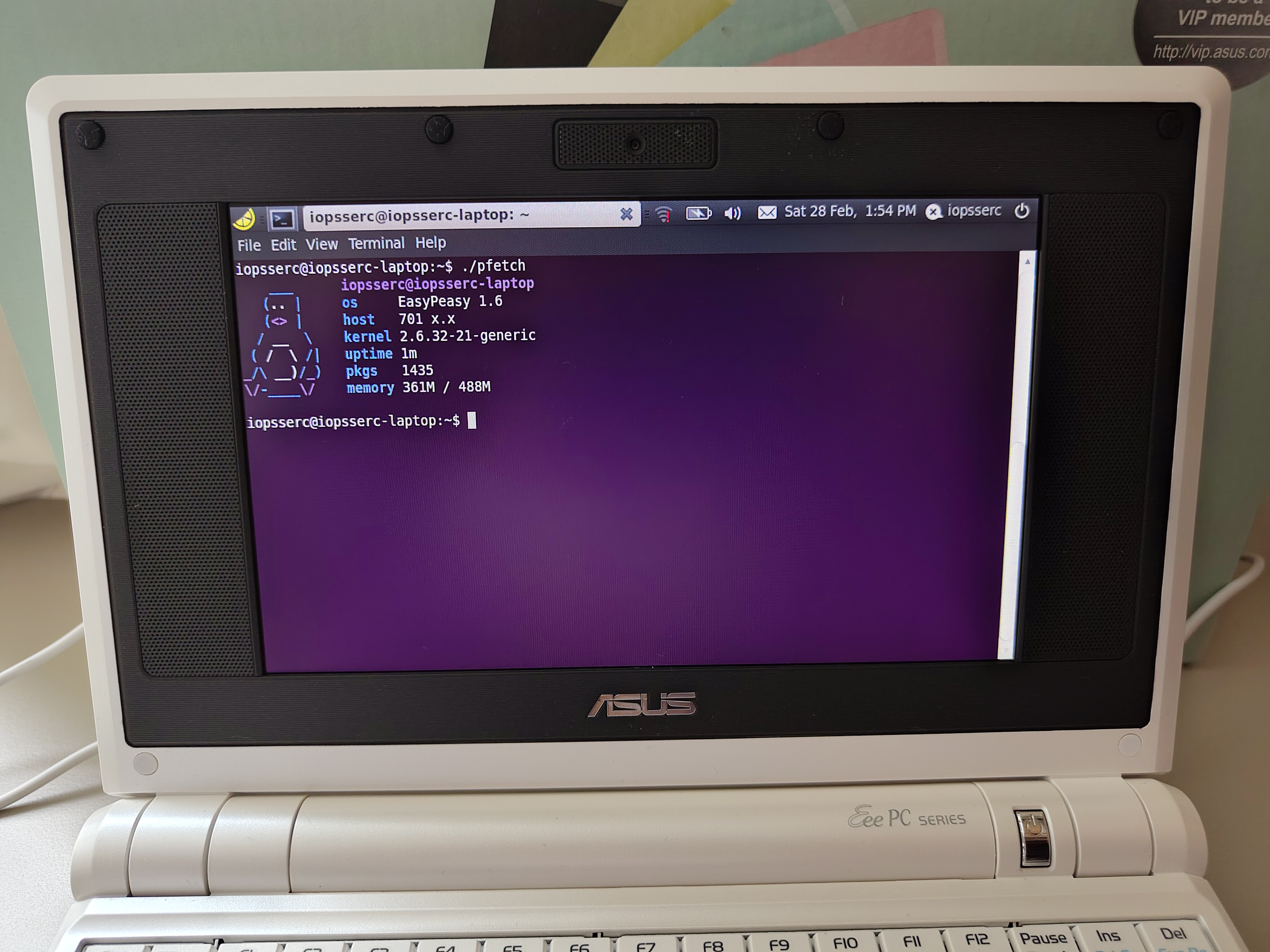
the keen eyed of you may notice that ram usage is surprisingly high, even though both programs were run back to back... well, memory reporting is notoriously finicky because the distinction between "used" and "free" memory varies from person to person, and program to program: cached memory, to some, counts as used, because it is ostensibly taking up space; on the other hand, some count it as free because it will automatically be freed when needed, so is effectively free. and OSes generally tend to cache stuff pretty liberally so if you use a different formula, it might look like you're eating all your ram for no reason xD
"empathy" is certainly a name to choose for instant communcation messenger... it seems to be an xmpp/jabber client... oh to go back to a time of federated, decentralised, end to end enctypted communication :')
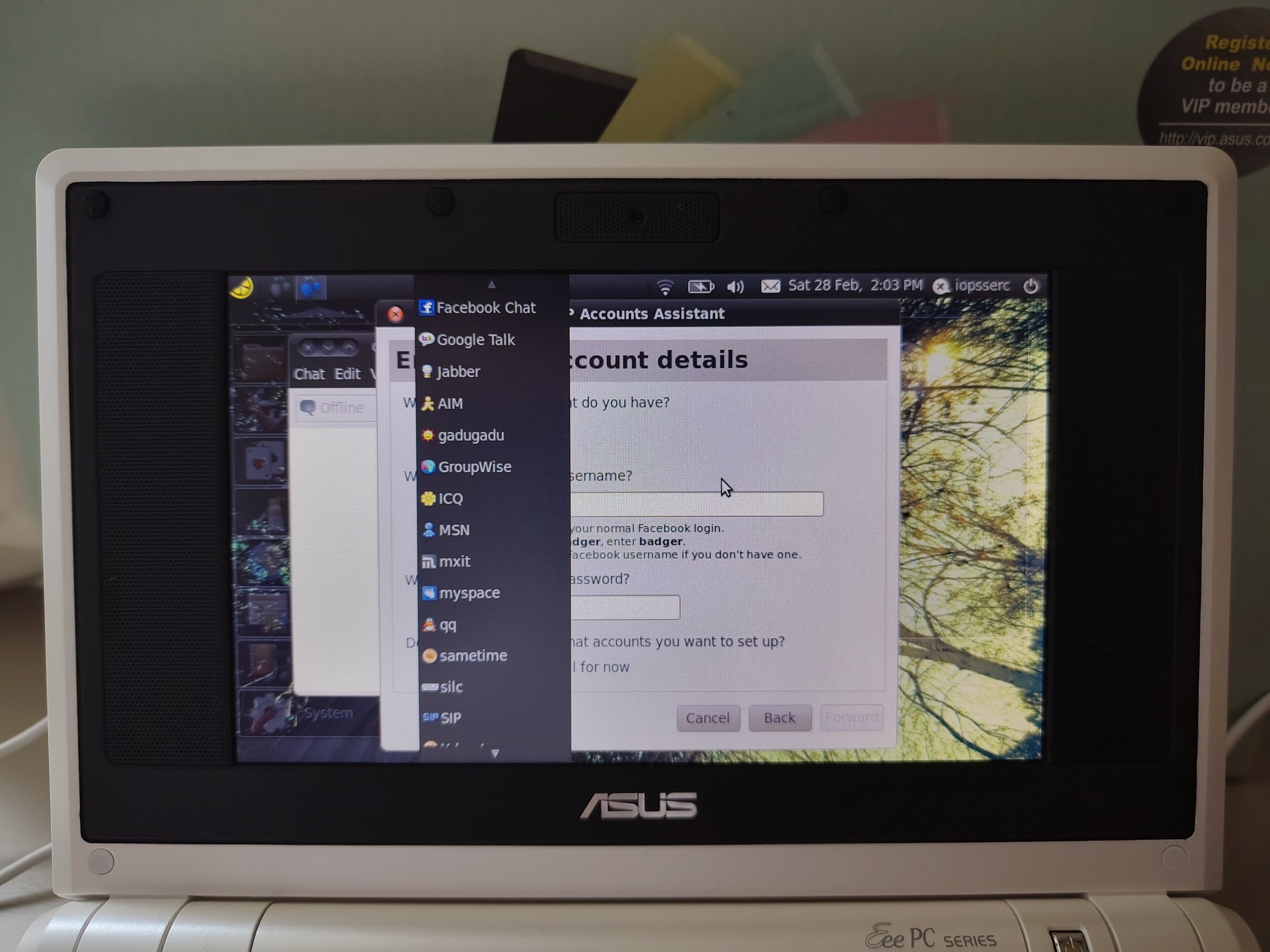
for the uninitiated, xmpp
is an open protocol for instant messaging. at some point in the ancient
past, people on google, facebook, and whatever other independent server
could communicate to each other, and people can use any client they want
(or, of course, write their own if there wasn't one available for their
platform of choice). however, in a classic case of embrace,
extend, and extinguish, google dropped support for xmpp in google talk
once it became the dominant player in the xmpp market, siloing itself off
from the outside world. but i digress.
trying to log in with my xmpp details did NOT work, i got all sorts of
network errors. oh well, it was worth a shot.
okay, this os is pretty useless, boring, and so old and insecure i might
already have 5 worms on my network already... the things i do for science
</3
let's get something useful on this running. one of the other sites that i
could run was the antix linux site.
this means i could bootstrap a modern os on this with no external computer!
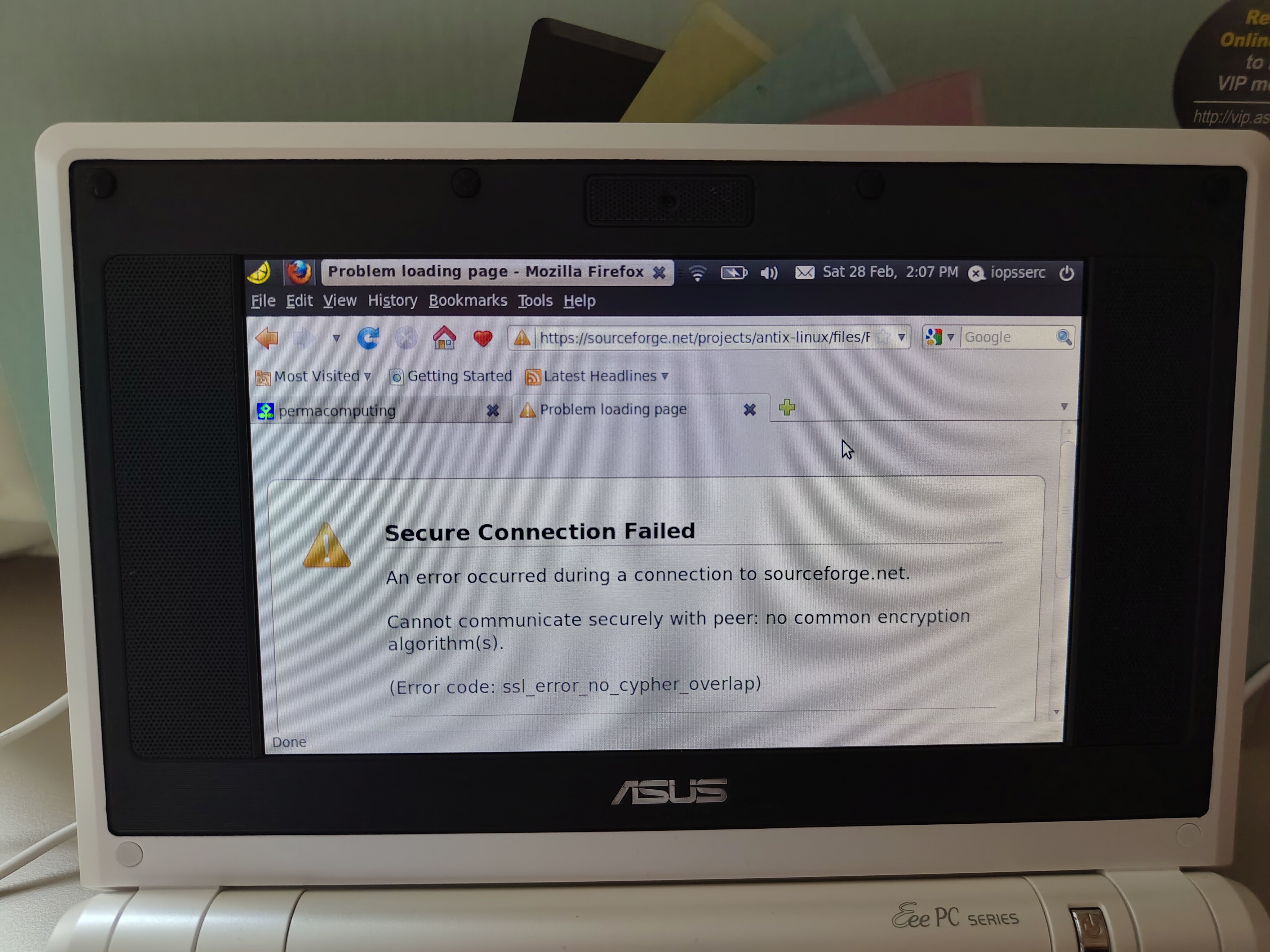
unfortunately for us, however, the download doesn't work due to an ssl
error... end of the line?
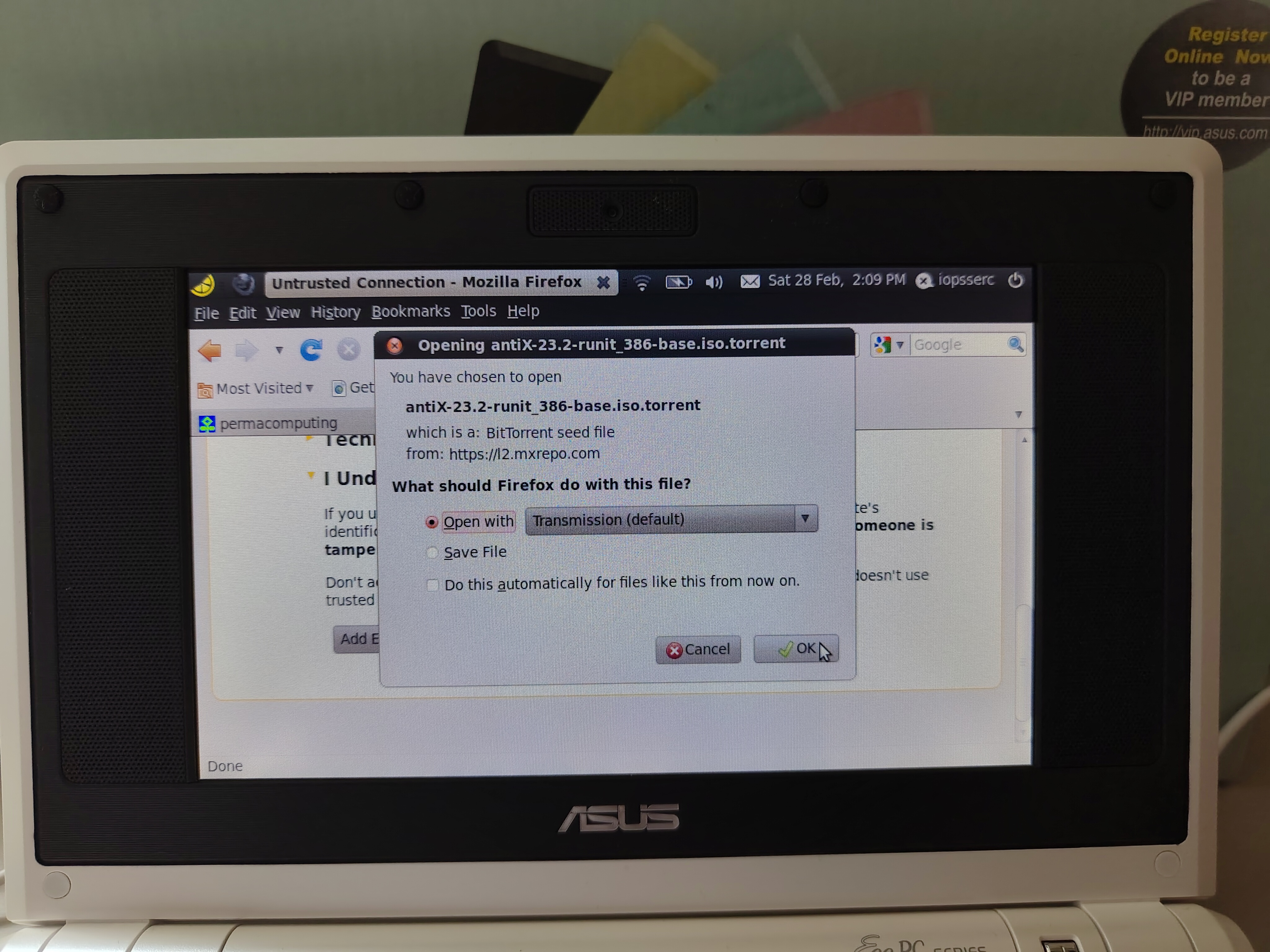
fear not! for we can also obtain the iso via a torrent rather than a direct download. transmission is still a common torrent client on linux today, that's pretty neat
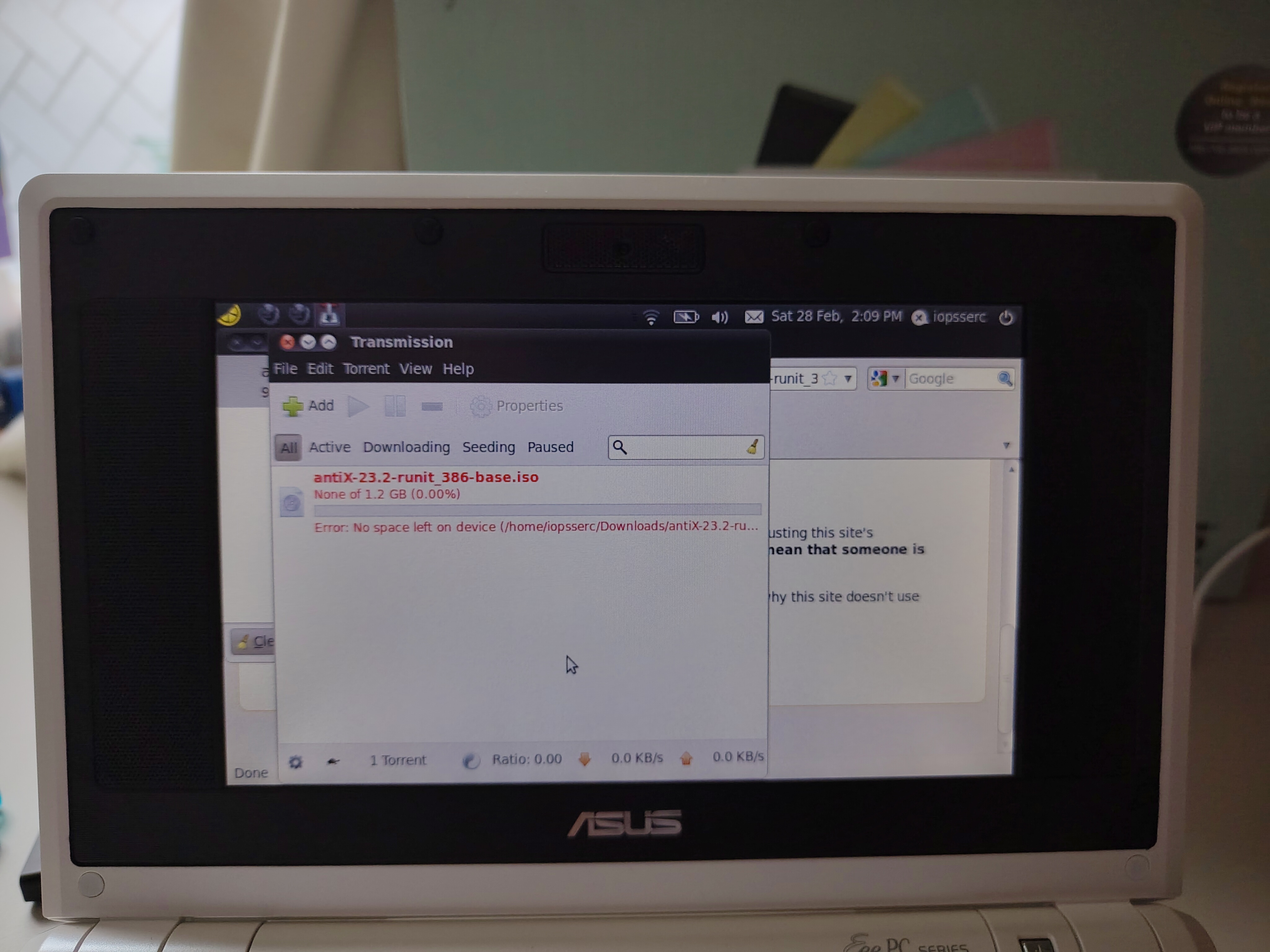
...and no space left on device. what??
to my horror, this device came with only 4 gigabytes of space on it... at least it's an ssd, eh?
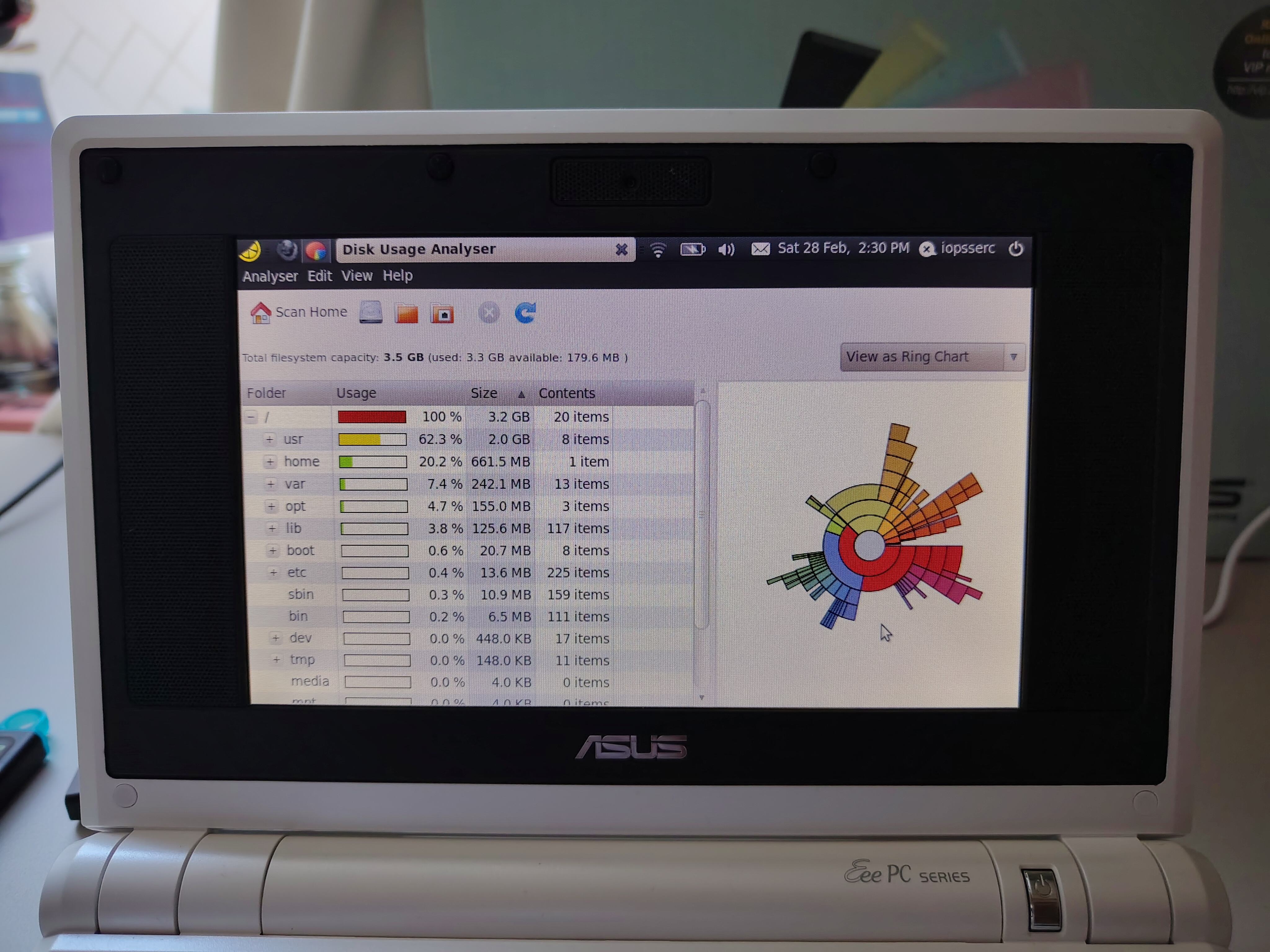
is it game over this time? fear not, for we can download the iso on an
external storage medium, and flash it to a usb from there!
once we do that, we must check the integrity of our download
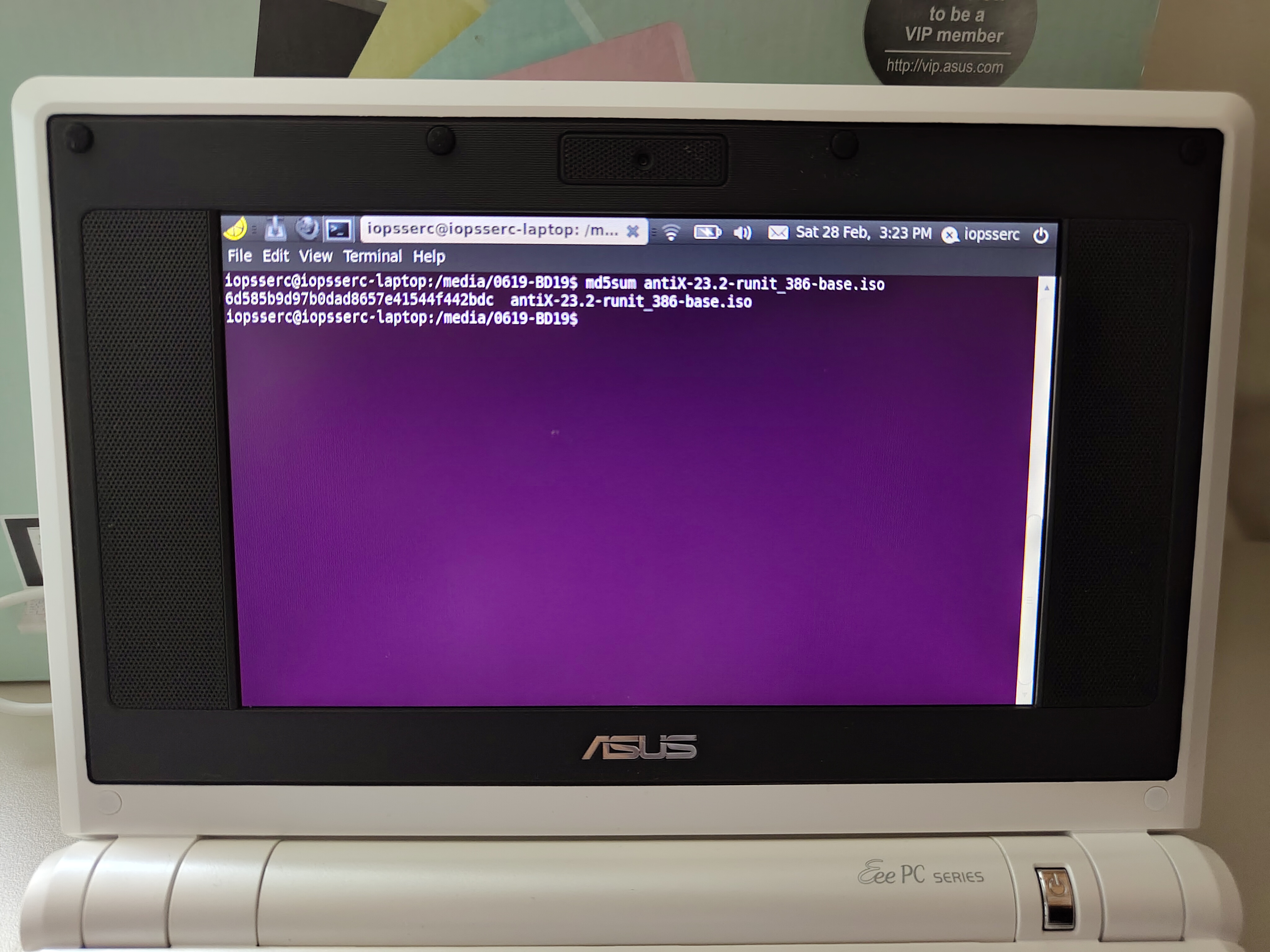
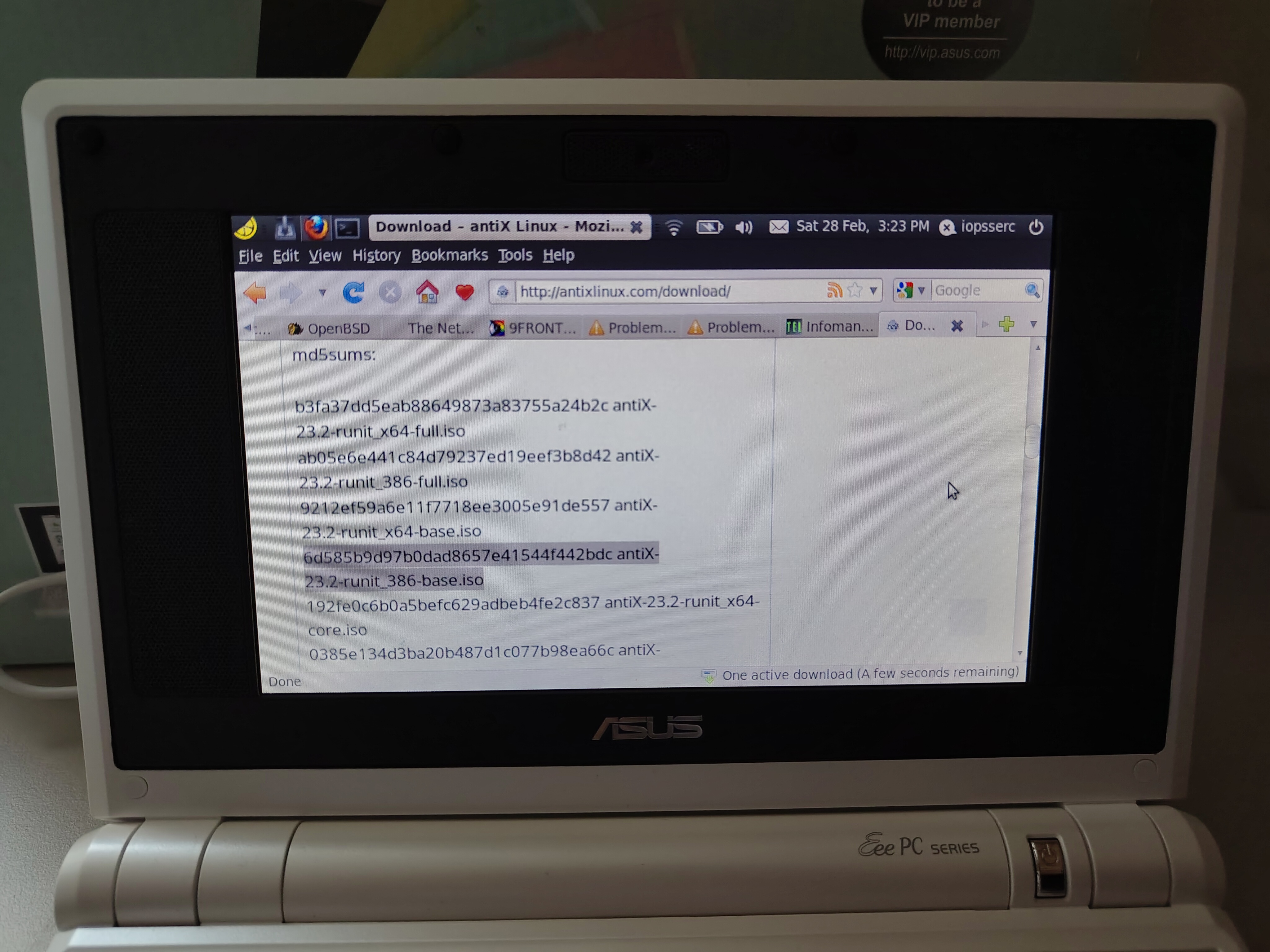
the sums corroborate! yay!
onwards with flashing...
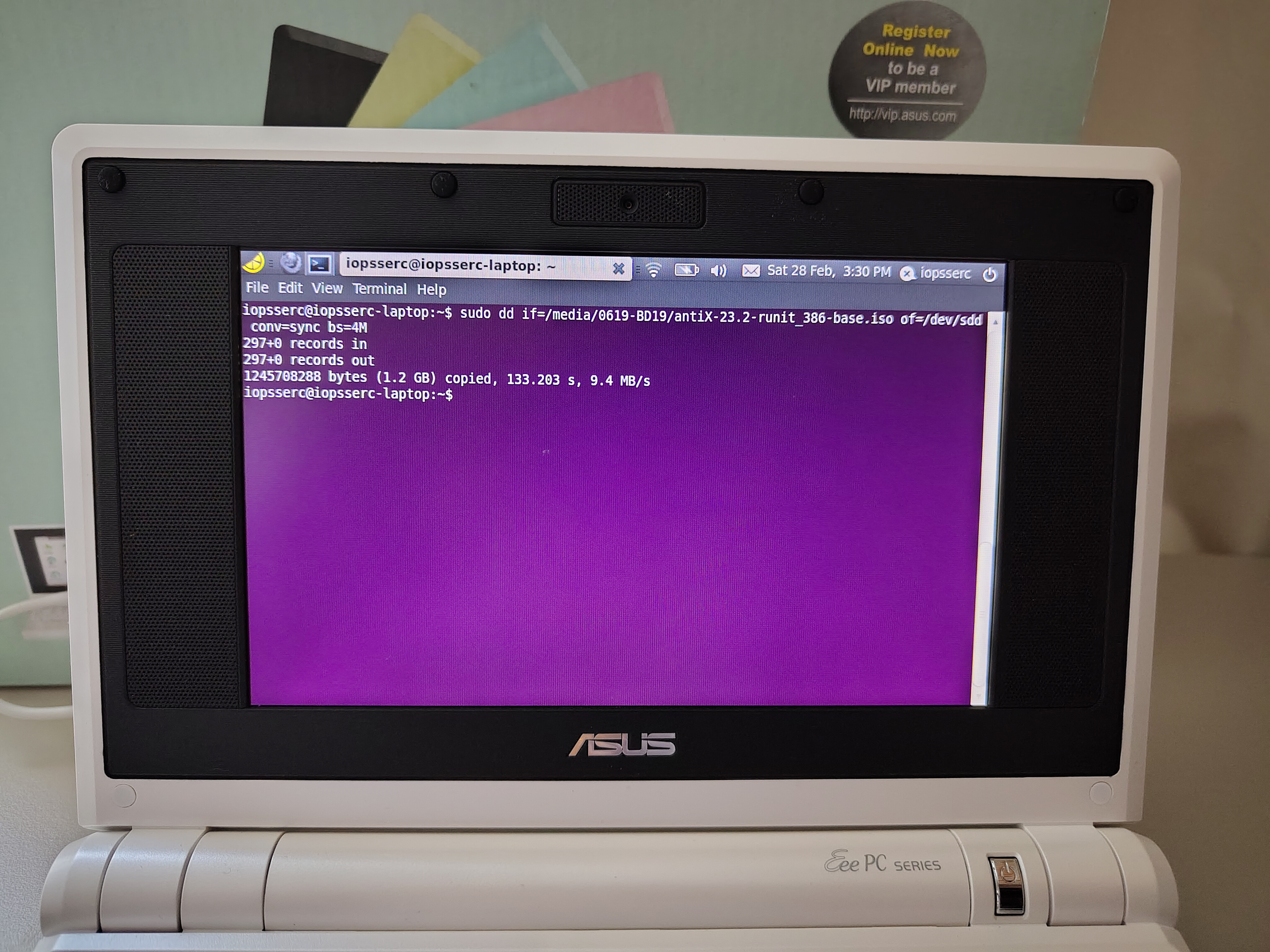
and it worked! idk about you, but this is enough eeeping for me, at least
for now. but this is only the beginning of silly adventures on this cute
little 'puter.