I never really payed much attention to what keyboard I use, despite it always seeming like a good idea to make my own. Having learnt touch typing at a young age, however, meant that I have already been long adapted to all the unergonomic malformations of contemporary keyboards, their skeuomorphic design an artifact of a bygone time: “The tradition of all dead generations weighs like a nightmare on the brains of the living” (Marx). This “nightmare” only revealed itself to me upon learning to touch type anew, in a different language; namely, Arabic. So the opportunity imposed itself on me to use and refine my existing skills in service of more effective man-computer symbiosis, for the dated design of row staggered keyboards impeded the link between my consciousness and its objectification (i.e. the document at hand). Or: this may just be an elaborate excuse to have fun designing a quirky gadget, you choose ;)
I decided to forego paralysis-by-analysis by construction of the most “optimal” design from the outset; “optimal” is individual, so I decided to do something fairly standard but still different enough to inform a direction for future prototypes. Or: I was in a rush because probably any keyboard is better than what I have at the moment.
Initially, I thought of making a modular keyboard that has, say, the main keyboard, a numpad, a navigation island, etc. But it dawned upon me that the compromise between size (portability and desk space) and functionality is resolvable completely in software: QMK allows multiple “layers” and chording. The fact that I was opting for an ortholinear layout from the outset was in my favour: arbitrary layers can be used in arbitrary locations as the entire keyboard is homogeneous – i.e. you cannot put a numpad layer on a row staggered keyboard without being thrown off.
4x12 seemed to be a good size to start off with, even if smaller is manageable. It is easy to use less keys I don't need, but I cannot create keys in software the way I can remove redundant ones. I opted for a 2U spacebar because of need of use by both thumbs.
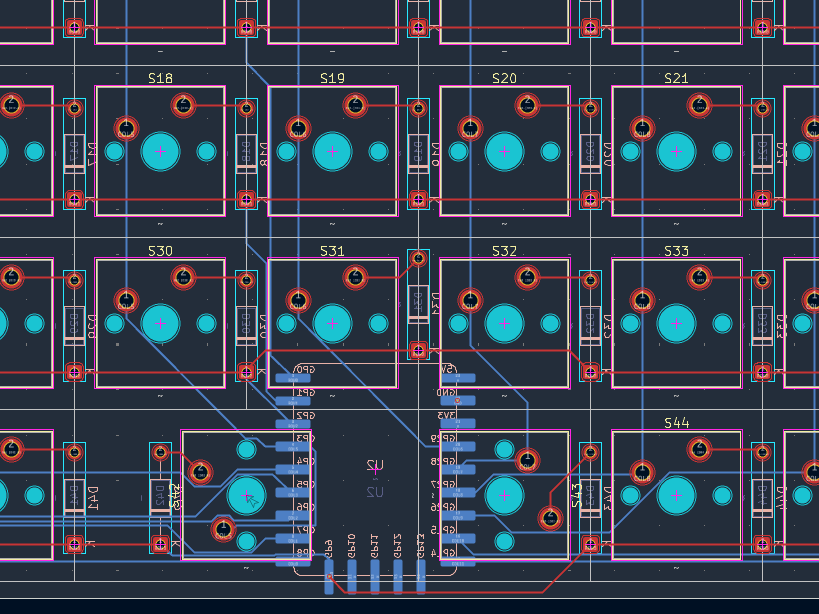
I opted for designing a PCB, both because hand wiring looks ugly and because PCB gives more consistency and less room for failure. I decided to use an RP2040 MCU, because its ratio of utility to price is quite high, and gives flexibility for future arbitrary functionality if needed, like LEDs, OLED screens, etc. For simplicity's sake, I opted for no periphery features in order to ensure a functional prototype to take as a standpoint for future designs if deemed necessary. For small size, I opted for the RP2040-Tiny. I had to make my own footprint for it as well, since I couldn't find an accurate one online. Funnily enough, it ended up barely fitting in the PCB even after adjusting key orientation in the PCB, because of the tightness of a predominantly 1U, ortholinear layout.
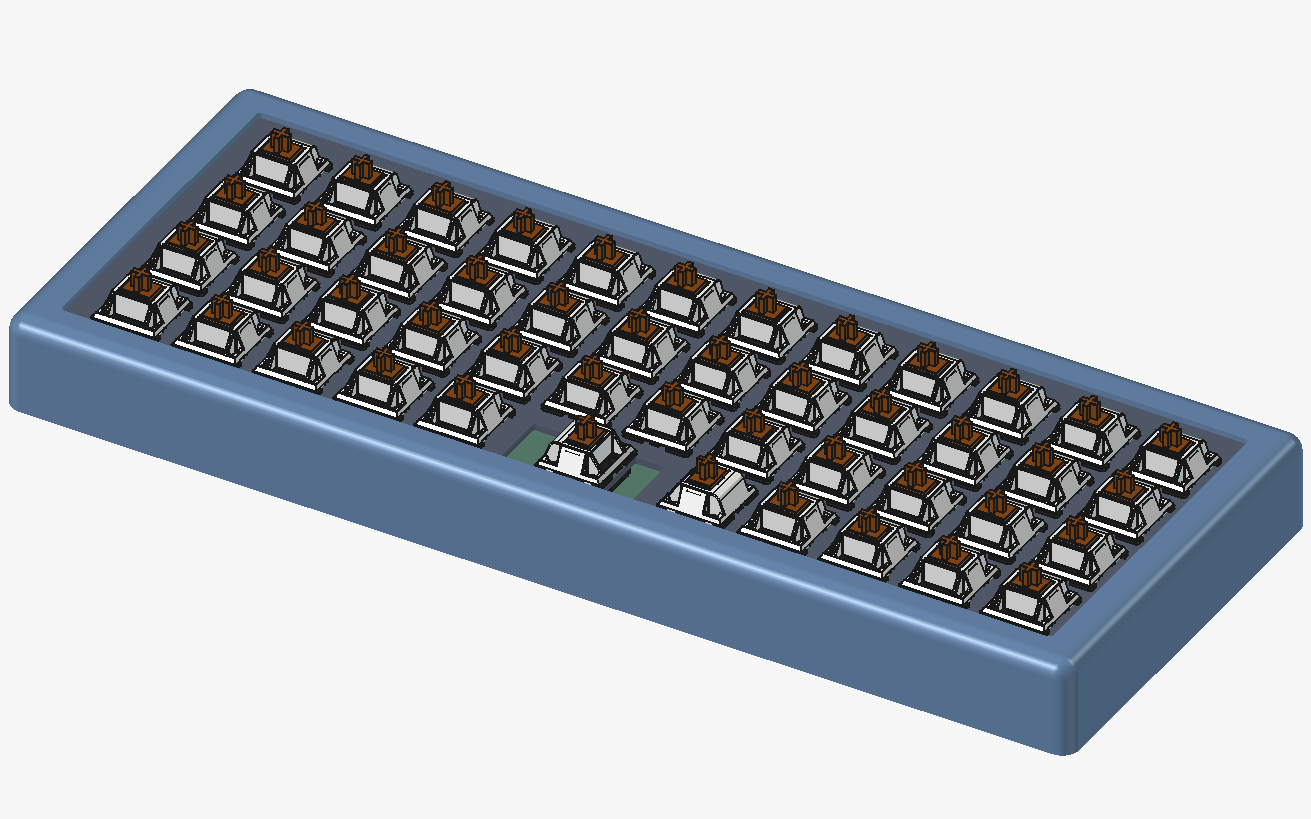
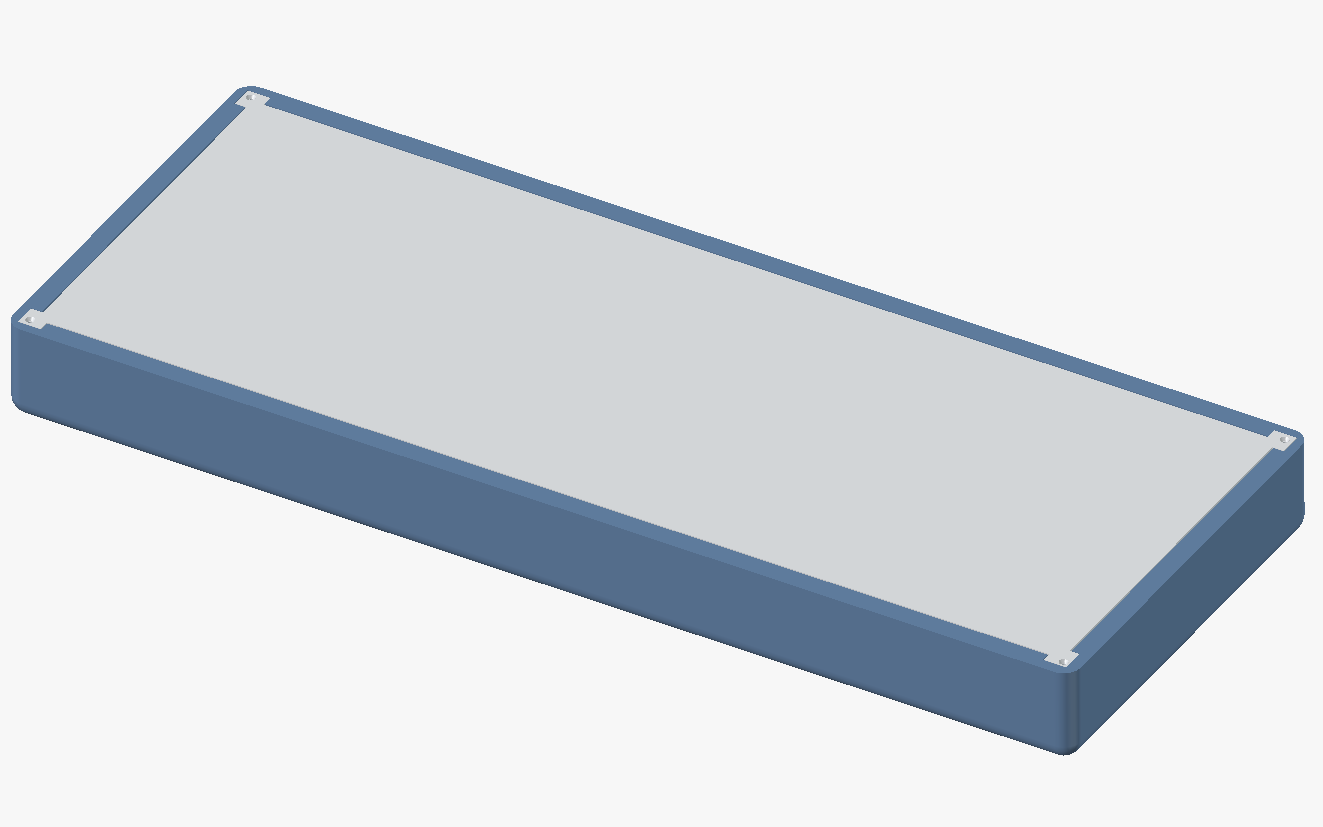
I ordered a key switch sample to decided what switch I liked, and ended up getting the “Durock Ice King Tactile” switches. For the case, I used FreeCAD to design a 3D printable case. Now, call me a hypocrite, a renegade to my professed principle of “simplicity”: but simply screwing top, plate and bottom together is too simple, and ends up producing problems I have with typical keyboards, namely clackiness. A gasket mount keyboard is not immensely complex, and gives a high enough return on (complexity, not monetary) investment to justify its inclusion. Simplicity is not a cult, but a heuristic, and only means the avoidance of unnecessary complexity: “Entia non sunt multiplicanda praeter necessitatem” (Ockham's razor).
Aesthetically, I also had an idea with low complexity cost: namely, to make the top of the case subsume the bottom such that the case appears outwardly as one, clean, continuous block. I also took inspiration from the Nord colourscheme.
QMK does the heavy lifting, and there already exists a layout identical to mine, namely the Planck MIT layout. I opted to use it as something fairly balanced and standard from which to modify if need be.
On first print, the top and bottom pieces did not fit together since my tolerances were too tight for them to fit smoothly. The USB-C cutout also needed to be larger, as some cables were still too large too fit fully. I couldn't get the colours precisely as I want from the filament, but paint can solve that later if I can even be bothered, and should give a smoother finish and texture.
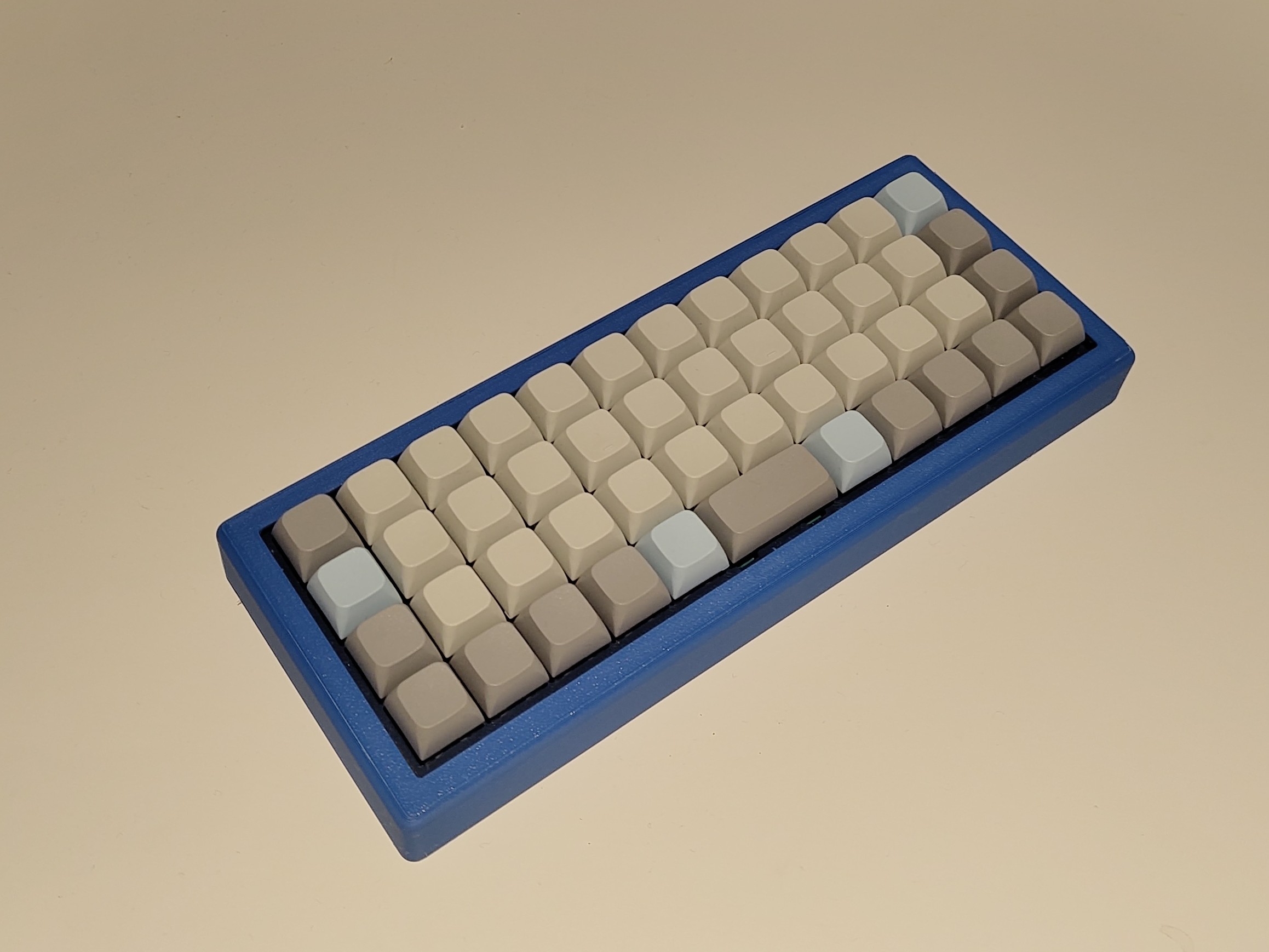
Initially, I couldn't type as fast or as accurately as I could on normal keyboard. But it became apparent that it was because I had so many bad habits learnt that caused this. Learning this layout corrected those maladaptations, and I ended up typing faster soon enough: I hit 100 WPM for the first time within a week of using this keyboard. It's not consistent yet, but it definitely has potential. So far, it is more intuitive to feel around, which is particularly convenient for Arabic whose layout I am less familiar with. I have noticed, however, that I made the case too high, fearing that the PCB and the power board attached to the bottom of the case may collide, which causes my wrists to extend slightly more than is comfortable. Putting rubber feet at only the top corners mitigated this a little. A second iteration is necessary, which makes the case lower, and changes the square nubs at the bottom of the case to a more cylindrical design as the corners are structurally fragile. This is usable for a first prototype, however.
This is a stepping stone towards more interesting experiments in man-computer symbiosis: I have to at least achieve what is contemporarily standard before expanding that horizon. More frugal layouts, in terms of number of keys and size of switches, can be had for even further portability, and with not too high of a learning curve, especially with potential for infinite functionality due to layouts, and using less keys than even the alphabet if one chooses chording for less common keys. Such a small size is fun in its own right, but such portability opens up a horizon for tactile and immersive knowledge-work on the go; phones break immersion because of their small size and lack of tactility, placing – as with skeuomorphic keyboards mentioned at the beginning – a barrier between consciousness and its objectification in digital-text form, impeding knowledge-work by burdening the consciousness with wrestling with the instrument of labour rather than it becoming a seamless extension. When one touch types, however, they truly become one with the machine, and are no longer – or hardly – conscious of the medium of objectification; the more ergonomic the experience, the more seamless and immersive – thus, effective – the work is; so called “flow-state”.